.png)
Most Facebook ads reporting is broken.
Not because the data isn’t there, but because it’s scattered, inflated, or just hard to trust. You open Ads Manager, see decent results, and still have no real confidence in what’s actually driving revenue and not just money being thrown down the drain.
If you’re spending real money on Facebook ads, you don’t need more dashboards. You need clarity. You need to know what’s working, what’s wasting budget, and what to scale without second-guessing every decision.
In this guide, we’re cutting through the noise. These are the Facebook ads reporting tools that actually help you see what’s going on, not just what platforms want you to believe.
But before we jump into that, here are some of the key features your next Facebook Ads reporting tool should have.
Top features to look for in a Facebook ads reporting tool
Most Facebook ads reporting tools are built to impress, not to help. You get pretty dashboards, endless charts, and no clear answer to a simple question: what should I do next?
If you’re spending real money on ads, you don’t need more data. You need direction.
1. Performance views that cut straight to profit
Forget vanity metrics. If your reporting tool doesn’t lead with cost per result, conversion rate, and actual revenue or lead value, it’s wasting your time and complicating your reporting process.
A good tool shows you where money is made and where it’s leaking, without forcing you to click through five layers of reports. You should be able to open it and immediately spot which campaigns deserve more budget and which ones should be cut.
2. Attribution you can actually trust
Facebook’s numbers don’t usually tell the full story. They overcredit some conversions and completely miss others.
Your reporting tool should step outside that bubble. It needs to track what happens after the click, across devices and sessions, and give you a more honest view of what drove the conversion. Otherwise, when you create reports, you’re optimizing based on incomplete data.
3. Creative level clarity, not averages
Most tools hide weak creatives behind averages. That’s how bad ads keep running and before you know it, you've spent thousands with no conversions to show for it.
You want to see exactly which ad is driving results and which one is dragging performance down. Not just at a glance, but in a way that makes it obvious what to scale and what to pause. This is where most real gains in Facebook ads come from.
Of course, once you identify a winning creative, being able to quickly produce more variations matters too - tools like AI video generator let teams scale creative output without a production bottleneck.
4. Spend awareness before things get out of control
Facebook is very good at spending your budget. But your chosen Facebook ads reporting software should be just as good at controlling it.
Instead of reviewing spend after the fact, you should be able to see pacing in real time and catch problems early. If costs start creeping up or results drop, you should know immediately, not at the end of the week when the damage is already done.
5. Reports that don’t need fixing before sharing
You want reports that already make sense. Clean, focused, and built around the metrics that matter to your business. Whether it’s for clients or internal teams, you should be able to share them without rewriting the story every time.
6. Alerts that force you to act, not just observe
Most tools just show you what happened. The better ones tell you when something needs attention. You should get an idea of which ads in client accounts are driving real revenue and what is tanking your results.
If CPA spikes, conversions drop, or spend jumps without results, you should get notified right away. Not so you can admire the problem, but so you can fix it before it gets expensive.
The best Facebook ads reporting software in 2026
If you need something better than built-in Meta tools and you want to see real issues with your Facebook Ads account, there are plenty of options for creating valuable, custom reports in just a few clicks.
Here are some of the best platforms to track your Facebook Ads campaigns.
1. wetracked.io
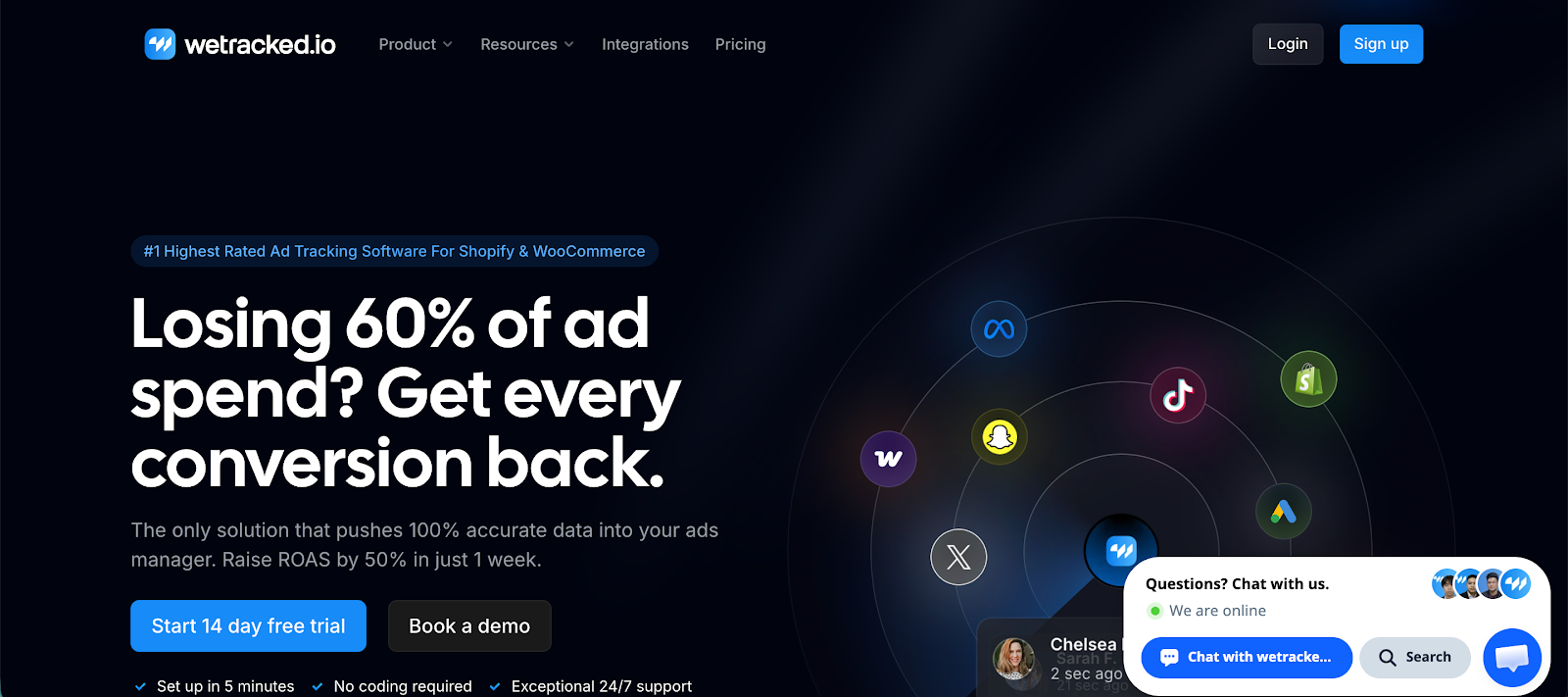
wetracked.io is a Facebook ads reporting tool built for marketers who are tired of guessing what’s actually working. It focuses on one thing most tools get wrong, showing you where revenue really comes from, not just what Facebook claims.
Key features
- Accurate multi-touch attribution: Tracks the full journey from click to conversion across channels, giving you a clearer picture than standard Meta ads reporting
- Revenue-focused reporting: Dashboards built around ROAS, profit, and real outcomes instead of surface-level ad metrics
- Server-side tracking: Reduces data loss from browsers and privacy restrictions, improving accuracy across campaigns
- Cross-channel visibility: Connect Facebook with other traffic sources so you can see how campaigns actually work together
- Custom reports without complexity: Build reports that reflect your business goals without needing external tools
What makes wetracked.oi stand out is simple: it replaces guesswork with clarity. Instead of relying on inflated or incomplete platform data, you get a view of performance that actually matches what’s happening in your business.
Users consistently point out how much wasted ad spend becomes obvious once tracking is set up properly. Campaigns that looked profitable inside Meta often tell a different story when you see real attribution, and that’s where better decisions start.
The only real tradeoff is that it requires proper setup. Like any serious tracking solution, you need to get implementation right to see the full value. But once it’s in place, it changes how you run Facebook ads entirely.
If you’re spending real money on ads, this is the difference between optimizing based on assumptions and optimizing based on reality.
Try wetracked.io for free for 14 days.
2. Meta Ads Manager
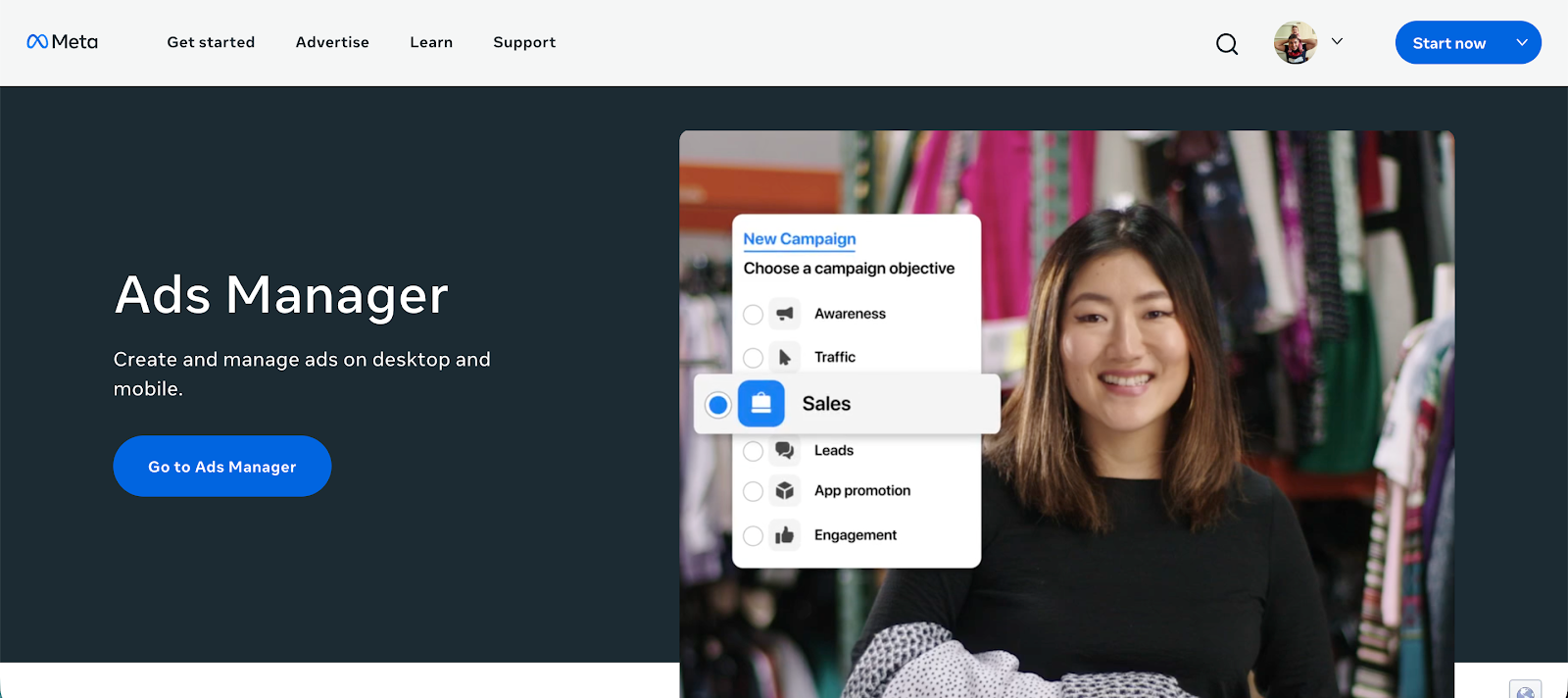
Meta Ads Manager is the native Facebook ads reporting tool used to manage and analyze Facebook ads campaigns directly inside Meta’s platform. It’s the default starting point for any advertiser, giving you direct access to campaign data without relying on third-party tools.
Key features
- Detailed campaign breakdowns: Analyze Facebook ads campaigns by campaign, ad set, ad, audience, placement, and more
- Custom columns and metrics: Build views around the ad metrics that matter to your goals, from conversions to cost per result
- Real-time performance tracking: Monitor campaign performance as data updates throughout the day
- Report export options: Create marketing reports and transfer data into spreadsheets or external tools for deeper analysis
- Attribution settings control: Adjust attribution windows to better understand how conversions are counted
What people rely on most is access. Since it’s the source of truth for Facebook ads data, you can always get the most detailed breakdowns here before sending data anywhere else.
But that’s also where frustration comes in. The interface can feel overwhelming, especially as campaigns scale, and it’s easy to get lost in too many metrics without a clear direction. Attribution is another common issue; the data doesn’t always reflect what’s actually happening outside the platform.
In practice, most teams use Ads Manager as the base layer, then move or transfer data into other tools for cleaner reporting and better decision-making.
3. AdEspresso
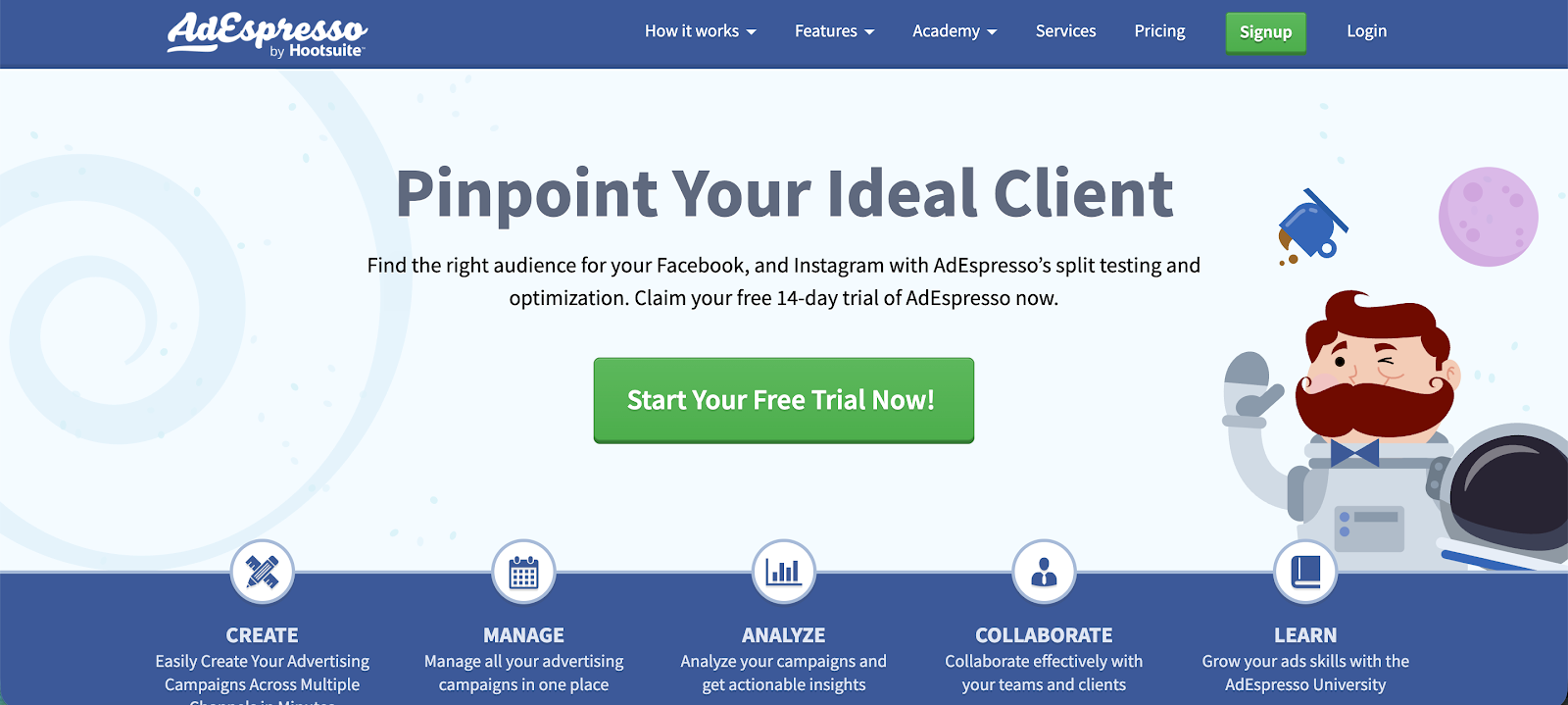
AdEspresso is a Facebook ads management and reporting tool built for marketers who want a simpler way to create, test, and track campaigns without getting lost in Ads Manager. It’s commonly used by smaller teams and agencies that need fast insights without complex setup.
Key features
- Campaign level reporting dashboard: View key performance metrics across campaigns, ad sets, and ads in one place
- Ad level performance breakdowns: See which creatives drive results so you can quickly decide what to scale or pause
- A/B testing insights: Built in testing reports that highlight winning variations without manual comparison
- Spend and performance tracking: Monitor ad spend alongside conversions and cost per result
- Exportable reports: Generate reports you can share with clients or stakeholders without extra formatting
Users tend to like how approachable it is. You don’t need to be deep into Facebook Ads Manager to understand what’s happening, which makes it easier to move fast, especially when testing new campaigns.
The tradeoff is depth. Reporting is clear but not very flexible, and once you start managing larger or more complex accounts, it can feel limiting. Some users also point out that it works best as a layer on top of Facebook rather than a full reporting replacement.
It’s a good fit if you want quick answers and simple reporting. Less so if you need advanced analysis or highly customized reporting setups.
4. Whatagraph
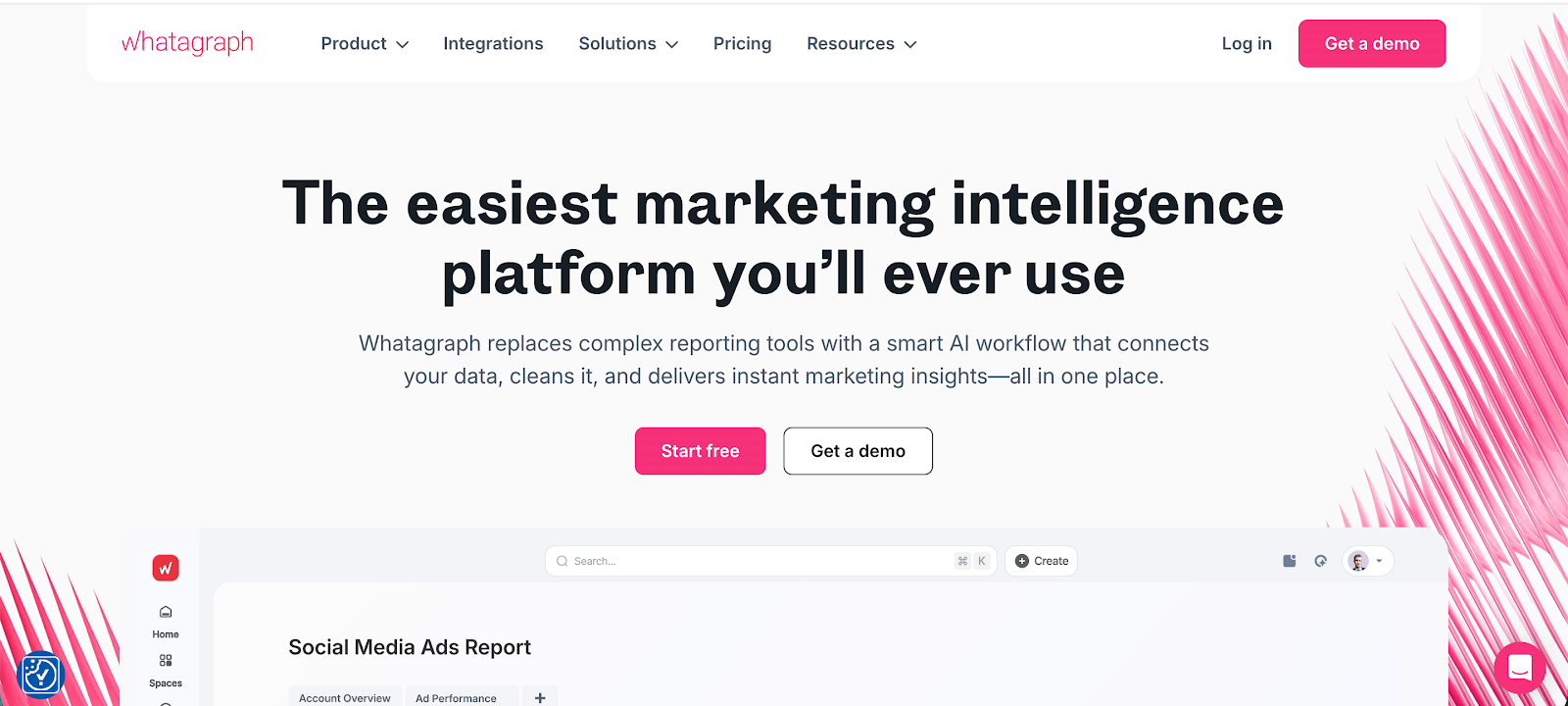
Whatagraph is a reporting platform built for teams that want polished, client-ready dashboards without building everything from scratch. It pulls Facebook ads data and other marketing data into one place, making it easier to track performance across channels.
Key features
- Automated multi-channel reporting: Combine Facebook ads data with other platforms into a single report that updates automatically
- Visual dashboards: Clean charts and widgets that make campaign performance easy to understand at a glance
- Report templates: Prebuilt layouts for faster setup, especially useful for agencies handling multiple clients
- Custom metrics and widgets: Adjust dashboards to focus on the performance metrics that matter to your campaigns
- Data export and sharing: Share reports via live dashboards or scheduled emails without manual work
Users often point to presentation as the main strength. Reports look polished, which makes them easier to share with clients or internal stakeholders without extra formatting. It’s especially useful if reporting needs to look as good as it performs.
That said, it leans heavily toward visualization rather than deep analysis. If you want to dig into raw data or build highly customized breakdowns, it can feel limiting. Some users also mention that pricing increases as you scale usage, which can be a factor for agencies managing many accounts.
It works best when you care about clear, client-facing reporting. This isn't the case if you need full control over data structure or advanced analytics.
5. PorterMetrics
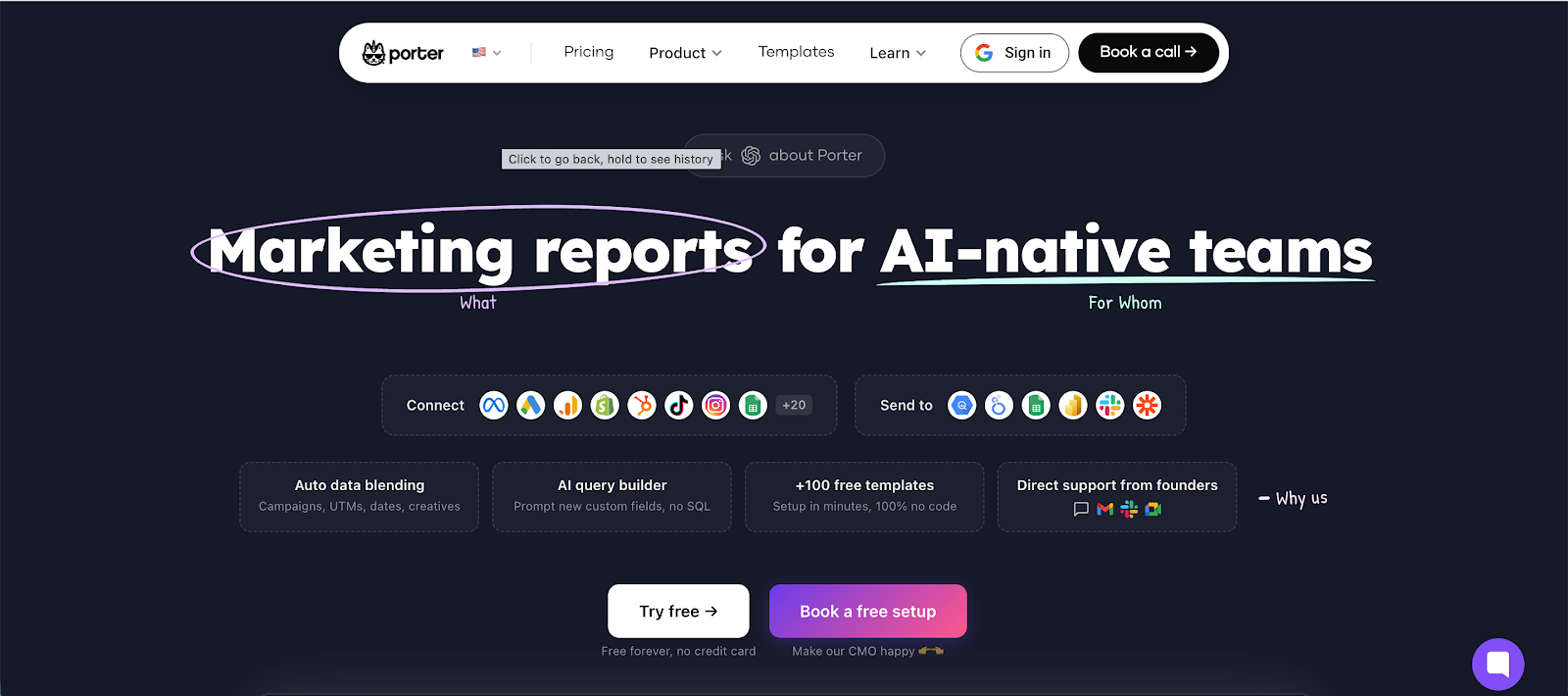
Porter Metrics is a Facebook ads reporting tool that focuses on simplifying how you pull and present Facebook ads data. It’s commonly used by marketers and agencies who want a faster way to report on a Facebook ads account without building everything from scratch.
Key features
- Prebuilt reporting templates: Ready-made dashboards for Looker Studio and Google Sheets that speed up reporting setup
- Automated data syncing: Keeps campaign data updated automatically so reports stay current without manual exports
- Easy Facebook Ads integration: Connect your Facebook ads account quickly and start pulling data with minimal setup
- Data consolidation across sources: Supports consolidating data from multiple platforms into one report
- Customizable dashboards: Adjust metrics, layouts, and views to match your reporting needs
What users like is how quickly you can go from zero to a working report. Instead of spending hours connecting data and building dashboards, you can launch something usable in minutes, especially if you rely on templates.
The tradeoff is flexibility. Compared to more advanced tools, customization can feel limited once you want more control over how data is structured or visualized. Some users also mention that it depends heavily on external tools like Looker Studio, so performance and usability can vary depending on how those reports are set up.
It’s a practical choice if your main goal is to simplify reporting. Less ideal if you want deep analysis or a fully independent reporting environment.
6. Birch
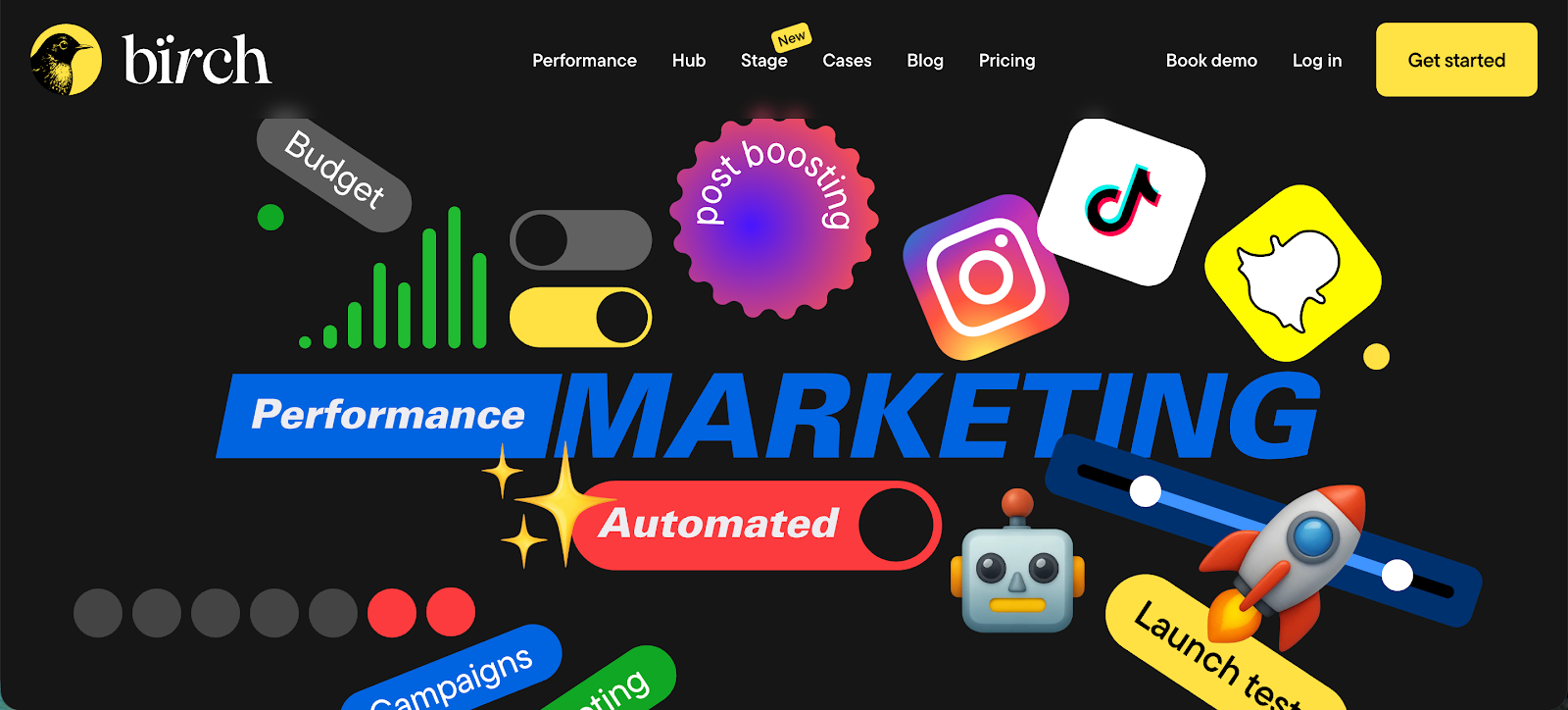
Birch, previously known as Revealbot, is a PPC automation and reporting platform focused on Meta and Google Ads. It’s built for performance marketers and agencies that want tight control over optimization workflows without constantly managing campaigns inside Ads Manager.
Key features
- Advanced automation rules: Set detailed conditions to pause, scale, or adjust campaigns based on performance
- Real-time performance monitoring: Track key metrics and react quickly when campaigns shift
- Bulk campaign management: Apply changes across multiple campaigns and ad sets at once
- Custom reporting dashboards: Build reports around key metrics like ROAS, conversions, and spend
- Automated alerts and triggers: Get notified or trigger actions when performance thresholds are hit
What users tend to value most is control. Birch lets you define exactly how campaigns should behave, then executes those rules without constant manual input. For teams managing large budgets, this can save a serious amount of time and reduce human error.
That said, it’s not the simplest tool to pick up. Setting up automation rules properly takes some experience, and if you get them wrong, you can impact performance quickly. Some users also point out that reporting is solid but not the main strength; the platform leans more toward execution than deep analysis.
It’s a strong choice if your biggest problem is managing and optimizing campaigns at scale, not just reporting on them.
7. AdZooma
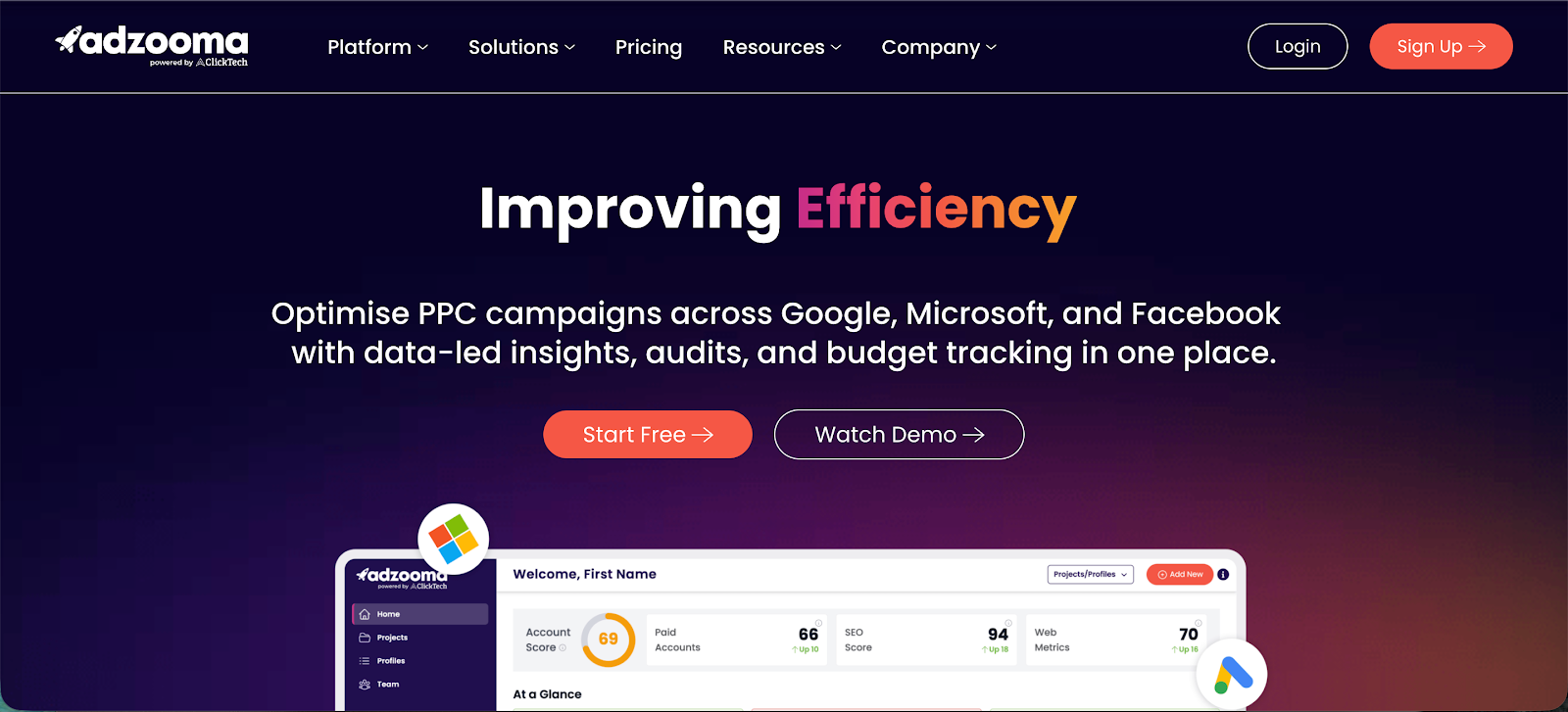
Adzooma is a PPC management and reporting platform that combines optimization suggestions with reporting in one place. It’s often used by marketing teams that want quick, actionable insights without digging through raw ad data all day.
Key features
- Automated optimization suggestions: Surfaces actionable insights based on account performance, helping you improve campaigns without manual analysis
- Unified performance dashboard: Tracks key performance metrics and ad metrics across campaigns in a single view
- Client reporting tools: Built-in reporting features designed for agencies that need to share results clearly
- Historical data tracking: Lets you review past performance trends to understand what’s working over time
- Multi-channel support: Pulls data from different ad platforms into one interface for easier comparison
What users tend to like is how direct the recommendations are. Instead of digging through reports, you get clear suggestions on what to fix or improve, which is useful when managing multiple campaigns or accounts.
At the same time, those recommendations can feel a bit surface-level. For more advanced users, the insights don’t always go deep enough, and you may still need other tools for detailed analysis. Some users also mention that customization options for reporting are limited compared to more specialized platforms.
It works well if you want quick direction and lighter reporting. Less so if you’re managing complex accounts and need full control over your data.
8. Hyros
Hyros is a tracking and attribution platform built for advertisers who want deeper visibility into Meta ads reporting beyond what native dashboards provide. It’s commonly used by marketing agencies and performance-focused teams managing multiple accounts and higher ad spend.
Key features
- Advanced attribution tracking: Tracks user journeys across clicks, sessions, and devices to improve accuracy compared to standard Facebook advertising reporting tools
- Cross-account visibility: Manage and analyze performance across multiple accounts from a single dashboard
- Call and offline conversion tracking: Connects phone calls and offline actions back to campaigns for a more complete picture
- AI-driven optimization signals: Sends better conversion data back to ad platforms to improve targeting
- Custom reporting dashboards: Create custom reports focused on revenue, ROAS, and true campaign performance
A lot of users turn to Hyros after losing trust in Meta ads reporting. The platform is often praised for uncovering conversions that Facebook misses, especially in longer sales cycles or higher ticket funnels. That added visibility can change how budgets are allocated and scaled.
On the flip side, setup is not plug-and-play. Getting everything tracked correctly takes time, and some users mention a steep learning curve early on. Pricing also comes up frequently in reviews; it’s positioned for businesses already spending significant amounts on ads, not smaller advertisers testing the waters.
9. DashThis
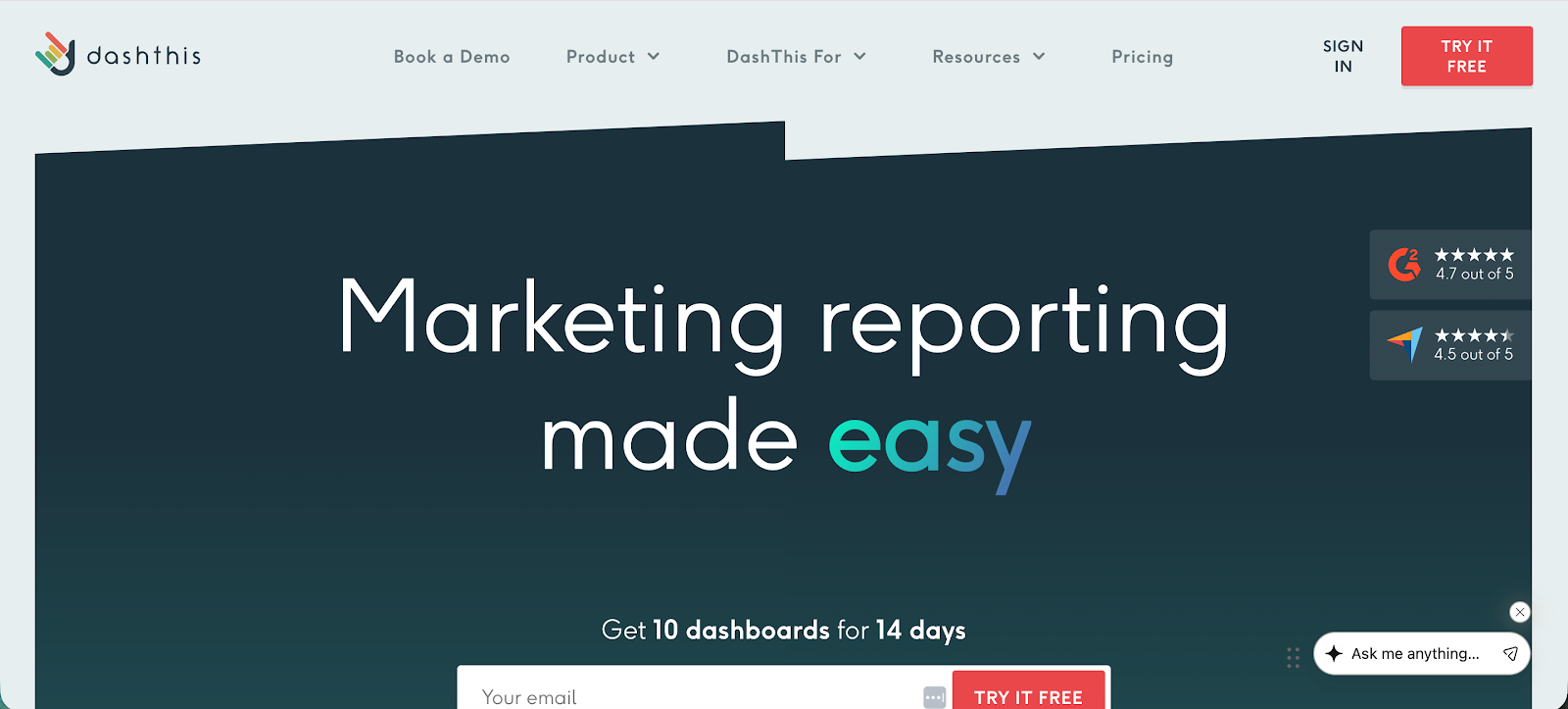
DashThis is a reporting dashboard built for marketers who want a quick way to pull data out of Facebook Ads Manager and turn it into clean, shareable reports. It doesn’t try to do everything, it’s just a reporting tool focused on speed, simplicity, and automated reporting.
Key features
- Instant dashboard templates: Prebuilt layouts that pull in Facebook Ads data so you can track ad spend and performance without building from scratch
- Automated reporting workflows: Schedule reports to update and send automatically, no manual exports needed
- Drag and drop widgets: Add or remove metrics easily to tailor dashboards to your needs
- Multi-platform integration: Combine Facebook Ads Manager data with other channels in one view
- KPI focused reporting: Highlight key metrics like conversions, cost per result, and ad spend in a clean format
Users like how fast it is to get something usable. You can connect your accounts and have a working dashboard in minutes, which is a big win if you’re tired of building reports from scratch or dealing with messy exports.
At the same time, it’s intentionally limited. Since it’s just a reporting tool, you won’t get deep analysis, attribution modeling, or advanced breakdowns. Some users also point out that customization can feel restrictive if you want very specific layouts or complex metrics.
It works best when your main problem is reporting speed, not campaign optimization or deep data analysis.
10. Swydo
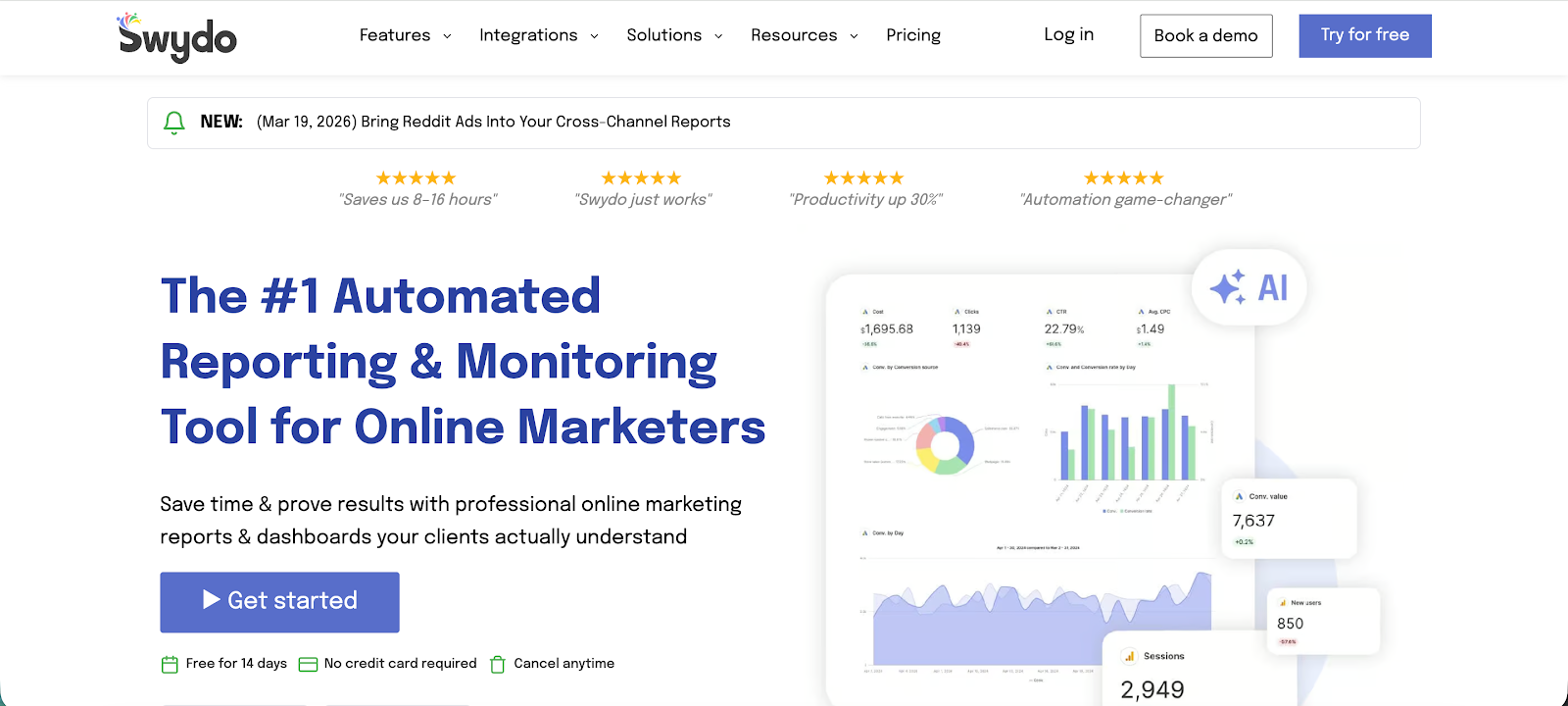
Swydo is a reporting tool built specifically for agencies that need to deliver clean, client-ready Facebook Ads reports without spending hours formatting data. It focuses less on raw data handling and more on presentation, automation, and repeatable reporting workflows.
Key features
- Pre-built report templates: Ready-to-use Facebook Ads report layouts that you can customize and reuse across clients
- Automated report scheduling: Set reports to generate and send on a schedule without manual work
- Client-friendly dashboards: Clean visuals that make performance easy to understand, even for non-marketers
- Multi-channel reporting: Combine Facebook Ads with other platforms in one report for a clearer overview
- White label reporting: Add your branding so reports look like they were built in house
What stands out in user feedback is how much time it saves on client communication. Instead of building reports from scratch or fixing messy exports, you can standardize everything and focus on explaining results, not formatting them.
That said, Swydo leans heavily toward presentation over analysis. If you’re looking for deep insights or advanced breakdowns, it can feel limiting. Some users also mention that customization has boundaries, especially when you want very specific layouts or metrics.
It’s a strong fit if reporting is your bottleneck. Less so if you’re trying to deeply analyze and optimize campaigns inside the same tool.
11. Looker Studio
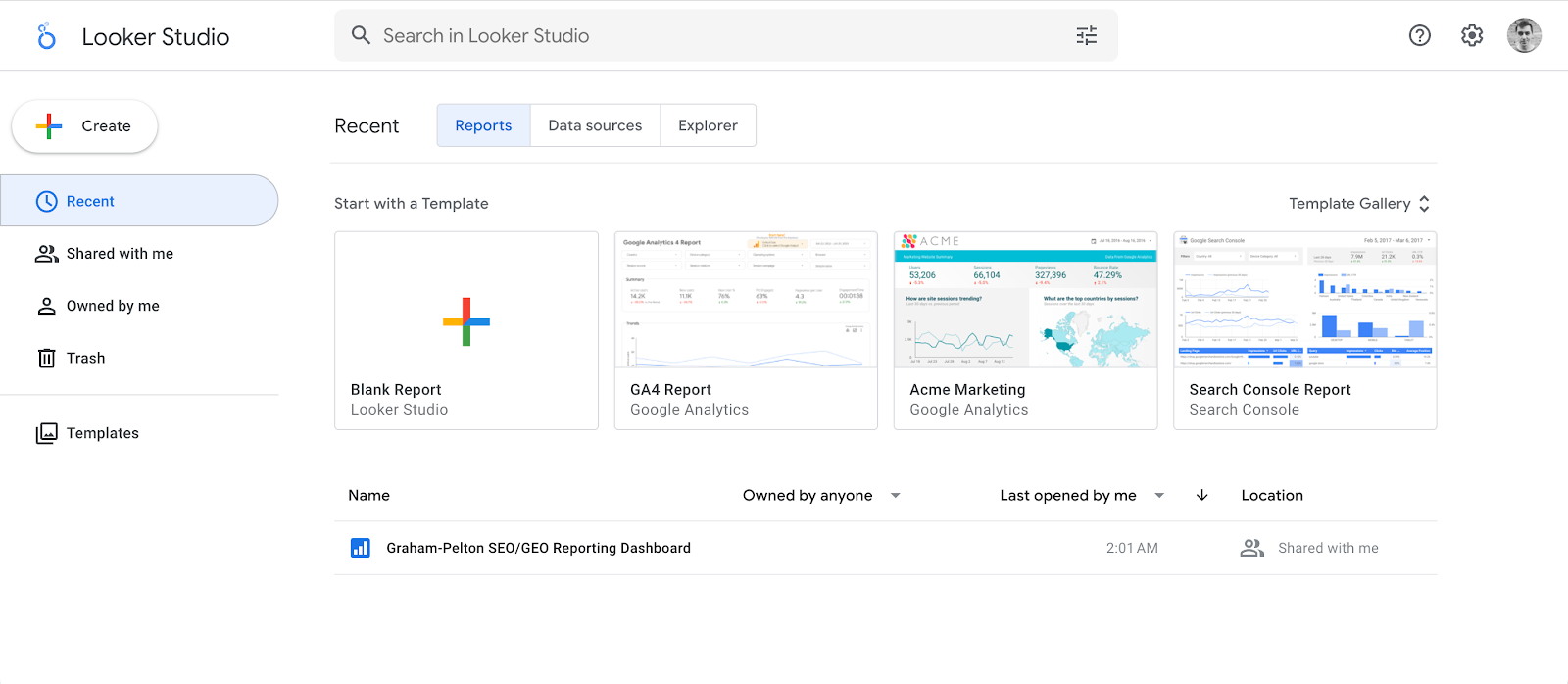
Looker Studio is a free reporting and data visualization tool from Google that lets you build custom dashboards using Facebook Ads and other marketing data. It’s widely used by marketers who want flexible reporting without paying for a dedicated reporting platform.
Key features
- Custom dashboard builder: Create fully tailored reports using drag and drop charts, tables, and filters
- Multiple data source connections: Combine Facebook Ads with Google Ads, analytics tools, and other platforms in one report
- Real-time data visualization: View campaign performance through live dashboards that update automatically
- Shareable reports: Easily share dashboards with clients or teams through links with controlled access
- Interactive filtering: Let users filter data by campaign, date range, or channel directly inside the report
Flexibility is the best aspect of Looker Studio. You can build almost any type of report you want, from simple overviews to detailed breakdowns across multiple channels. And since it’s free, it’s often the starting point for many teams building their reporting setup.
The downside is that flexibility comes at a cost, time, and effort. Looker Studio doesn’t give you ready-made insights; you have to build everything yourself. That includes setting up data sources, designing dashboards, and making sure metrics are accurate.
Performance can also become an issue with larger datasets. Reports can slow down, break, or show inconsistencies if connectors aren’t stable. For many teams, it works best when paired with tools like Supermetrics to handle data extraction, rather than relying on native connectors alone.
12. Supermetrics
Supermetrics is a data pipeline and reporting tool that pulls Facebook Ads data into tools like Google Sheets, Looker Studio, and BI platforms. It’s widely used by agencies and in house teams that want to centralize reporting and build custom dashboards instead of relying on native ad platforms.
Key features
- Multi-platform data connectors: Pull Facebook Ads, Google Ads, and other marketing data into one place to eliminate siloed reporting
- Automated data transfers and refreshes: Schedule reports to update automatically so dashboards stay current without manual exports
- Custom reporting in Sheets and BI tools: Build reports in Google Sheets, Looker Studio, or data warehouses using the same data source
- Granular Facebook Ads data access: Analyze metrics from impressions to cost per conversion at campaign, ad set, and ad level
- Data blending and transformation: Combine multiple data sources and clean or restructure data before reporting
What people actually like about Supermetrics is simple: it removes manual reporting work. Instead of exporting data from multiple platforms every week, everything flows into one place automatically. That alone saves hours and reduces reporting errors, which is why many teams rely on it daily.
That said, it’s not perfect. A common complaint is pricing. Costs can increase quickly as you add more data sources, accounts, or refresh frequency, which makes it harder to scale for agencies or growing teams.
There are also occasional issues with connectors and data delays, especially when APIs change, and setup can take time if you’re not used to working with data tools.
Bottom line: Supermetrics is powerful if you want full control over your reporting stack. But it expects you to build your own system, which is great for data-driven teams and frustrating if you just want plug-and-play insights.
Start tracking (and reporting on) your Facebook ads performance today
Most Facebook ads reporting tools give you access to data. Very few help you make better decisions.
As you’ve seen, a lot of tools in this list solve one specific problem. Some make reports look cleaner. Others automate exports. A few help with optimization workflows. But many still rely on the same weak foundation, platform data that’s incomplete or misleading.
If your reporting is based on what Meta shows you, you’re only seeing part of the picture. And once you start scaling budgets, that gap becomes expensive. Campaigns that look profitable on the surface can quietly lose money, while others get cut too early.
This is why tools like wetracked.io stand out.
Instead of focusing on how data looks, it focuses on whether the data is actually correct. Once you have that, everything else gets easier. Budget decisions become clearer. Scaling becomes less risky. You stop reacting to noise and start acting on what drives revenue.
If you’re spending serious money on Facebook ads, reporting isn’t just a nice-to-have. It’s the difference between guessing and knowing.
Try wetracked.io for free for 14 days.