One of the beauties of paid ads is that you can forecast your return on investment fairly accurately. Spend money and get money back, until you don't. You look at your Google Ads dashboard to see budgets drained for all the relevant keywords with nothing to show for it. Conversions are down, and the manager or client demands reports by yesterday.
Is it the ad copy flopping, the wrong targeting or a missed landing page? The best way to find out is by using a dedicated PPC tool. While the basic dashboards in PPC platforms can tell you things like search volume trends, you may need something better to spot underperforming ads and get better ROAS.
Before we go into the 10 best PPC tools you should consider in 2026, here are the main features you should try to get in each of them.
Get the best ad tracking platform for Shopify and WooCommerce. Try wetracked.io for free for 14 days.
Top 10 features to look for in pay-per-click tools
Most PPC tools look similar on the surface, and you'll start to see the difference when you actually start managing campaigns at scale.
The right tool should help you spot problems early, double down on what works, and avoid wasting budget on guesswork. These are some of the key features you should look out for when choosing your next PPC platform.
1. Keyword research that reflects real buying intent
Basic keyword data isn’t enough anymore. You need tools that show how people actually search when they’re ready to click and convert, not just high-volume phrases.
Look for:
- Clear intent signals, not just volume and CPC
- Keyword clustering so you can build tighter ad groups
- Long tail suggestions that are cheaper and easier to win
- SERP context, what ads and pages are already ranking
If a tool only spits out generic keywords, you’ll end up competing on expensive terms with weak conversion rates.
A lot of PPC keyword research doubles as SEO research. If you're already tracking buying-intent terms for ads, SEO automation is what turns those same terms into ranking content on the organic side.
2. Competitor visibility you can actually use
You don’t need vanity data about competitors, you need insights you can act on.
A good tool should show:
- Which keywords competitors consistently bid on
- Real ad copy examples, not just headlines
- Changes over time, what they test, what they drop
- Estimated spend trends so you know where they’re serious
This lets you skip the trial-and-error phase and go straight to testing angles that already work in your niche.
3. Performance tracking that surfaces problems fast
If you have to dig through five reports to understand performance, the tool is slowing you down.
What matters:
- Clear breakdowns by campaign, ad group, keyword
- Easy filtering by device, location, and audience
- Immediate visibility into wasted spend
- Quick access to metrics that matter, not vanity stats
The goal is simple, open the dashboard and know within seconds what needs attention.
4. Budget control and bid adjustments that prevent waste
PPC can burn money quickly if you’re not watching it closely. Strong tools give you control without forcing you to micromanage every click.
Look for:
- Real-time spend tracking
- Flexible bid adjustments by device, time, and audience
- Budget pacing so you don’t overspend early in the day
- Alerts when campaigns drift off target
This is where tools pay for themselves, by catching inefficiencies before they become expensive mistakes.
5. Automation that supports, not replaces, your strategy
Automation is useful when it follows your logic, not when it runs blindly.
The best tools let you:
- Set clear rules for pausing, scaling, or adjusting campaigns
- Trigger actions based on performance thresholds
- Reallocate budget toward winning campaigns automatically
- Keep full control over what gets changed and when
You still make the decisions but the tool handles the repetitive execution.
6. Cross-platform management without chaos
Running campaigns across multiple platforms gets messy fast. Switching between dashboards kills focus and leads to inconsistent decisions.
A strong PPC tool should:
- Let you manage multiple ad platforms in one place
- Normalize reporting so metrics are comparable
- Help you reuse winning creatives across channels
- Keep campaign structures aligned
This becomes critical once you move beyond just one ad platform.
7. Reporting that doesn’t require cleanup
Reporting shouldn’t feel like a second job. You want something you can trust without exporting and fixing everything manually.
What to expect:
- Clean dashboards with customizable views
- Scheduled reports you can send as is
- Visual summaries that highlight trends, not just raw numbers
- The ability to drill down when something looks off
If you’re still building reports in spreadsheets, the tool isn’t doing enough.
8. Conversion tracking that ties spend to actual outcomes
Clicks don’t matter if they don’t lead anywhere. This is where many setups fall apart.
You need:
- Reliable tracking for leads, purchases, and key actions
- Support for multiple attribution models
- Clear paths from keyword to conversion
- Integration with analytics and CRM tools
Without this, you’re optimizing based on incomplete data.
9. Integrations that connect your entire funnel
PPC doesn’t exist in isolation. Your ad data should connect with everything else you’re using.
Key integrations include:
- Analytics platforms for deeper behavior insights
- CRM systems to track lead quality
- Landing page tools to connect performance with conversion rates
- Data tools if you want to build custom reporting
The more connected your stack is, the better your decisions get. The same applies to your lead generation strategy. PPC is great for getting prospects who are already looking for a solution, but using outbound too lets you proactively reach the companies you want to work with. For B2B teams, working with an outsourced SDR can complement paid campaigns with targeted LinkedIn and email outreach, giving you another way to generate more leads without just relying on ad spend alone.
10. Alerts that catch issues before they get expensive
Things break. Tracking fails, budgets spike, performance drops. You don’t want to find out days later.
Good tools notify you when:
- Spend suddenly increases or drops
- Conversions stop being tracked
- Key campaigns underperform
- CPC or CPA jumps beyond your targets
This is one of the most underrated features, and one of the most valuable once you’re managing serious budgets.
The best PPC tools for managing PPC campaigns in 2026
Whether you work in-house and need something to manage your Google Ads campaigns easily or you're an agency managing large ad budgets, here are some of the best PPC management software choices in today's market.
1. wetracked.io
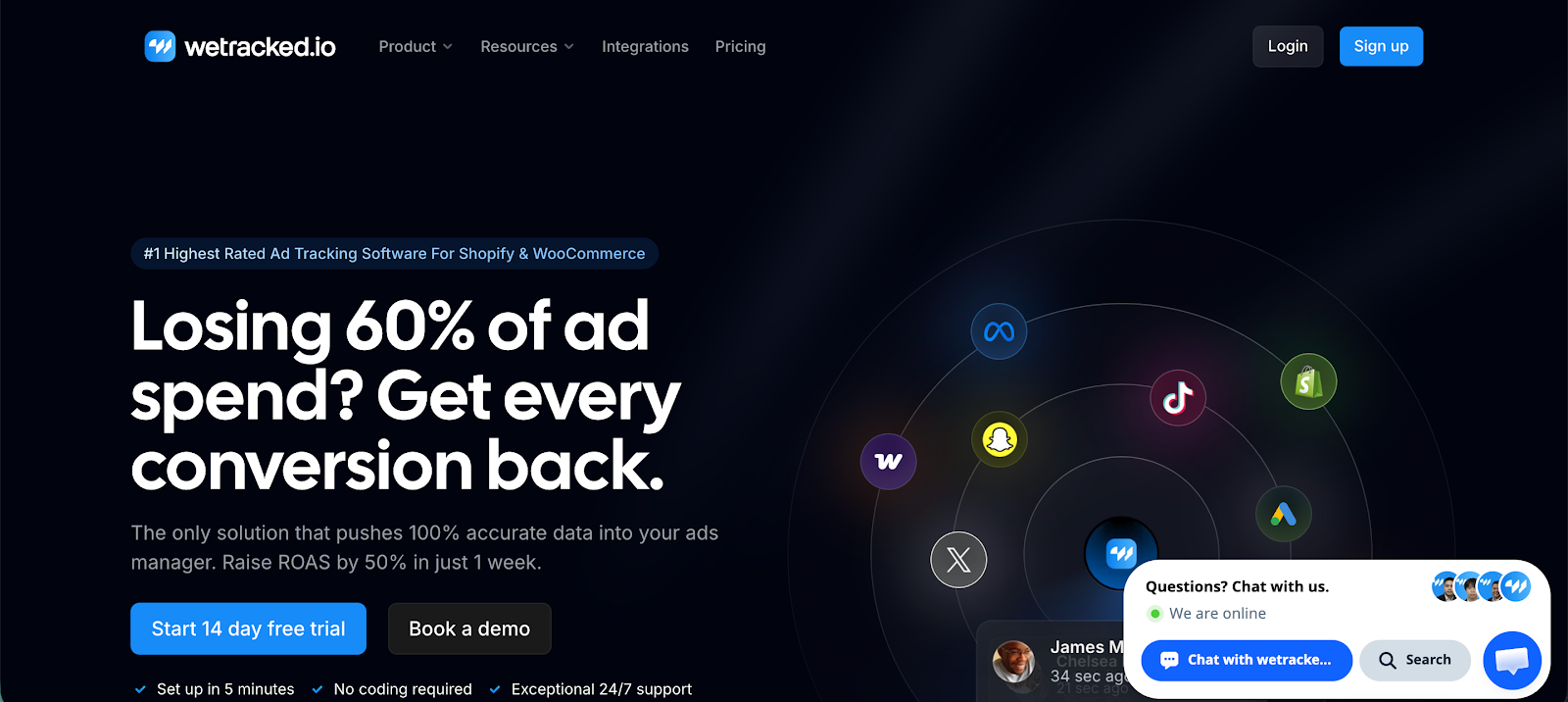
Wetracked.io is a marketing attribution and tracking platform built for teams that want clear answers on what’s actually driving revenue. It focuses on connecting every click, campaign, and touchpoint to real outcomes, making it a strong choice for businesses that rely heavily on PPC and need reliable data to scale.
Key features
- Accurate multi-touch attribution: Tracks the full customer journey across channels so you can see exactly which campaigns and touchpoints lead to conversions
- Real-time tracking and reporting: Gives you up-to-date performance data so you can react quickly and adjust campaigns before spend gets wasted
- Server-side tracking setup: Improves data accuracy by reducing tracking loss caused by browsers and privacy restrictions
- Revenue-focused dashboards: Built around metrics that matter like ROAS, profit, and revenue, not just clicks or impressions
- Ad platform integrations: Connects with major ad platforms to send back better data and improve campaign optimization
Users consistently highlight clarity as the biggest benefit. Instead of guessing which campaigns work, wetracked.io shows exactly where revenue comes from, which makes scaling far more predictable. Another common point in reviews is how much wasted ad spend gets uncovered once tracking is set up properly, especially for teams that relied only on native ad platform data before.
Try it out today for free for 14 days.
2. Clarmix
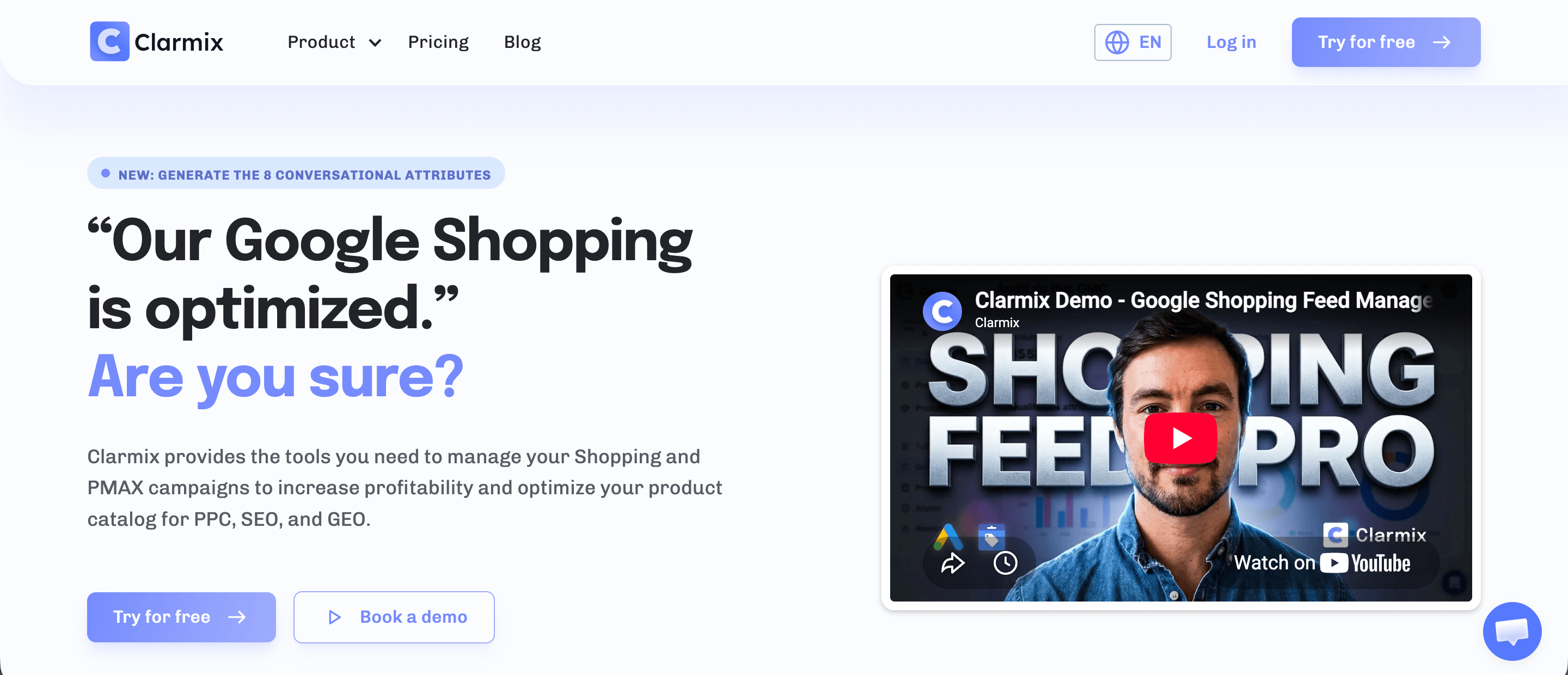
Clarmix is a Google Shopping and PMax optimization platform built for e-commerce brands and PPC agencies that want to know which products actually drive profitable spend. It focuses on connecting product-level data to real ROAS, making it the tool of choice for teams managing large catalogs on Google Ads.Key features
- Automated product labeling: Use Labelizer to segments SKU into performance labels (profitable, high potential, low potential, costly, zero conversion, zombie) based on clicks, target ROAS, and cost per conversion, updated daily via a supplemental feed synced to Google Merchant Center
- PMax Insights dashboards: Breaks down PMax spend by channel and placement so agencies and brands can diagnose where budget is actually going, instead of guessing inside Google’s black box
- AI-powered feed enrichment: Rewrites titles, descriptions, categories, and the eight GEO conversational attributes so products rank in Google Shopping and get cited in AI Overviews and chat assistants
- Custom labels and segments: Lets users build their own rules on top of the six default labels, using Google Ads and Merchant Center data such as margin, brand, or custom label fields
- Label trend tracking: Monitors how products move between labels over time, surfacing dormant zombie SKUs that may be tomorrow’s bestsellers
- Multi-account management: Built for consultants and agencies running Clarmix across several client accounts from one place
PPC professionals point out that Clarmix solves one of the biggest problems in Google Shopping: wasted spend on low-converting SKUs that nobody is tracking. Clients report reallocating budget away from costly products and toward profitable ones, with some seeing ROAS increases of up to 27% and organic impression gains after enrichment. Another common theme is how little setup it takes, connecting Google Ads and Merchant Center via official APIs replaces the manual spreadsheets and scripts most teams were relying on before.
3. Cometly
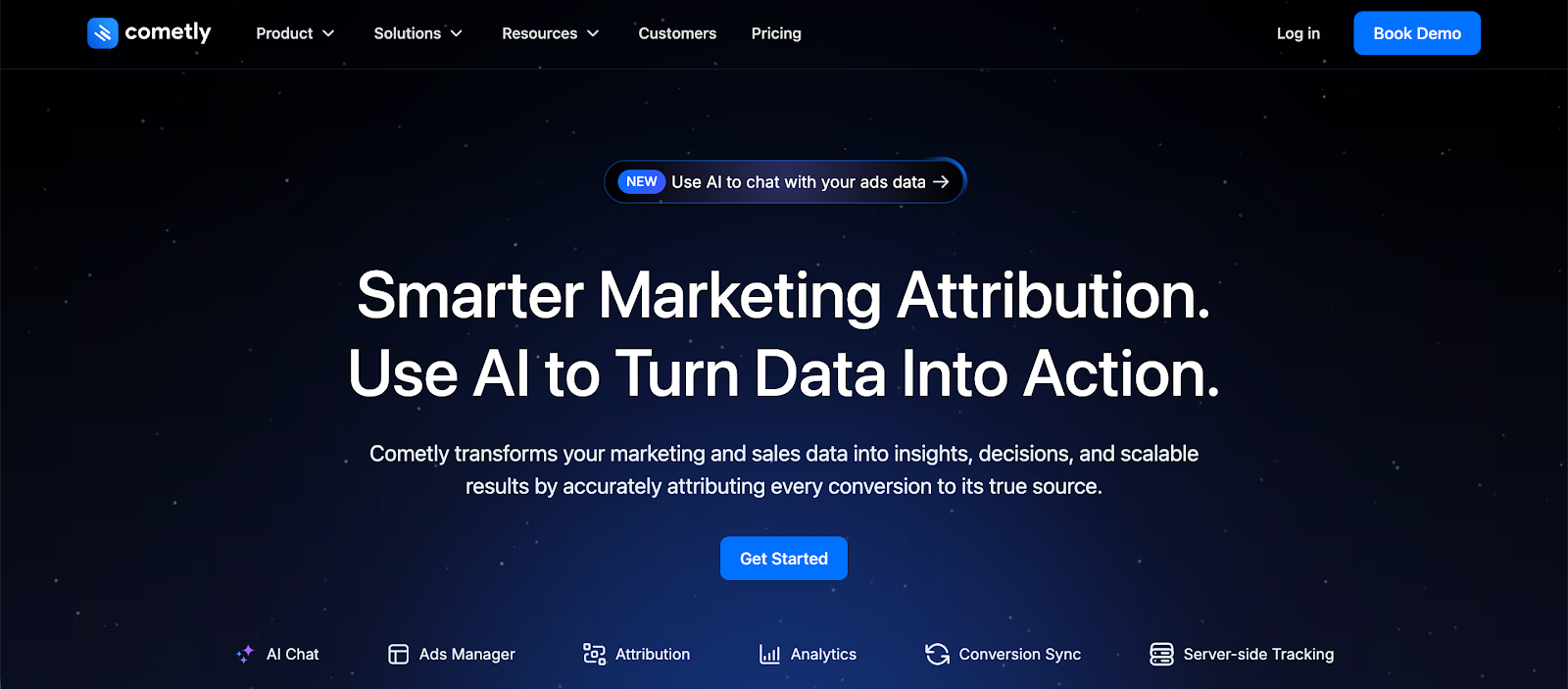
Cometly is a PPC analytics and attribution platform built for marketers and agencies that want to understand what actually drives revenue. It focuses on connecting ad spend to real outcomes, making it a strong choice for teams running campaigns across multiple channels.
Key features
- Multi-touch attribution: Tracks the full customer journey across channels so you can see which ads, keywords, and touchpoints lead to conversions
- Real-time performance data: Live reporting on campaigns, conversions, and revenue so you can react quickly instead of relying on delayed platform data
- Conversion sync with ad platforms: Sends enriched conversion data back into platforms like Google Ads and Meta to improve optimization
- AI-powered insights: Built-in assistant that highlights performance trends and suggests where to adjust spend
- Custom dashboards and reporting: Flexible dashboards that focus on revenue, ROAS, and campaign performance without needing extra tools
Users consistently point out that Cometly solves one of the biggest problems in PPC, unreliable attribution. Compared to native ad platforms, the data is often described as far more consistent and trustworthy, which makes it easier to decide where to scale and where to cut spend. Another common theme in reviews is how straightforward the setup is, especially given how complex attribution tools usually are.
4. Google Keyword Planner
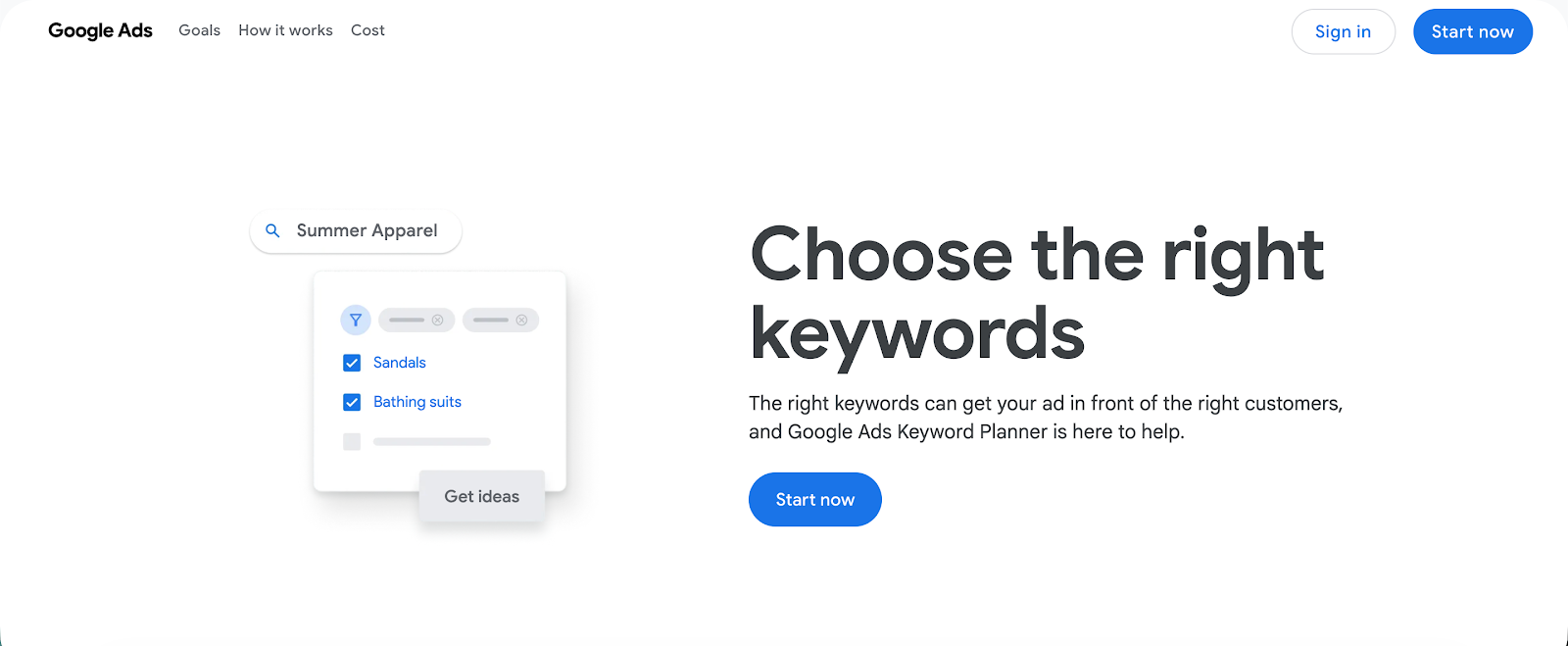
Google Keyword Planner is a free keyword research tool built into Google Ads. It’s mainly used by advertisers who want reliable search data straight from Google before launching or scaling PPC campaigns.
Key features
- Search volume and forecasts: Provides estimated monthly searches, CPC ranges, and traffic forecasts based on real Google data
- Keyword discovery: Generates keyword ideas based on seed terms, websites, or landing pages
- Bid estimates: Shows suggested bid ranges so you can understand how competitive a keyword is before committing budget
- Location and language targeting: Lets you filter keyword data by country, region, or language for more accurate planning
- Keyword grouping: Automatically clusters related keywords to help structure campaigns and ad groups
What users value most is the data source itself. Since it comes directly from Google, it’s often treated as the baseline for validating keywords before using other tools. It’s not as advanced as paid platforms when it comes to competitor insights or deep analysis, but it’s reliable for understanding demand and setting realistic expectations around cost and traffic.
5. SEMrush
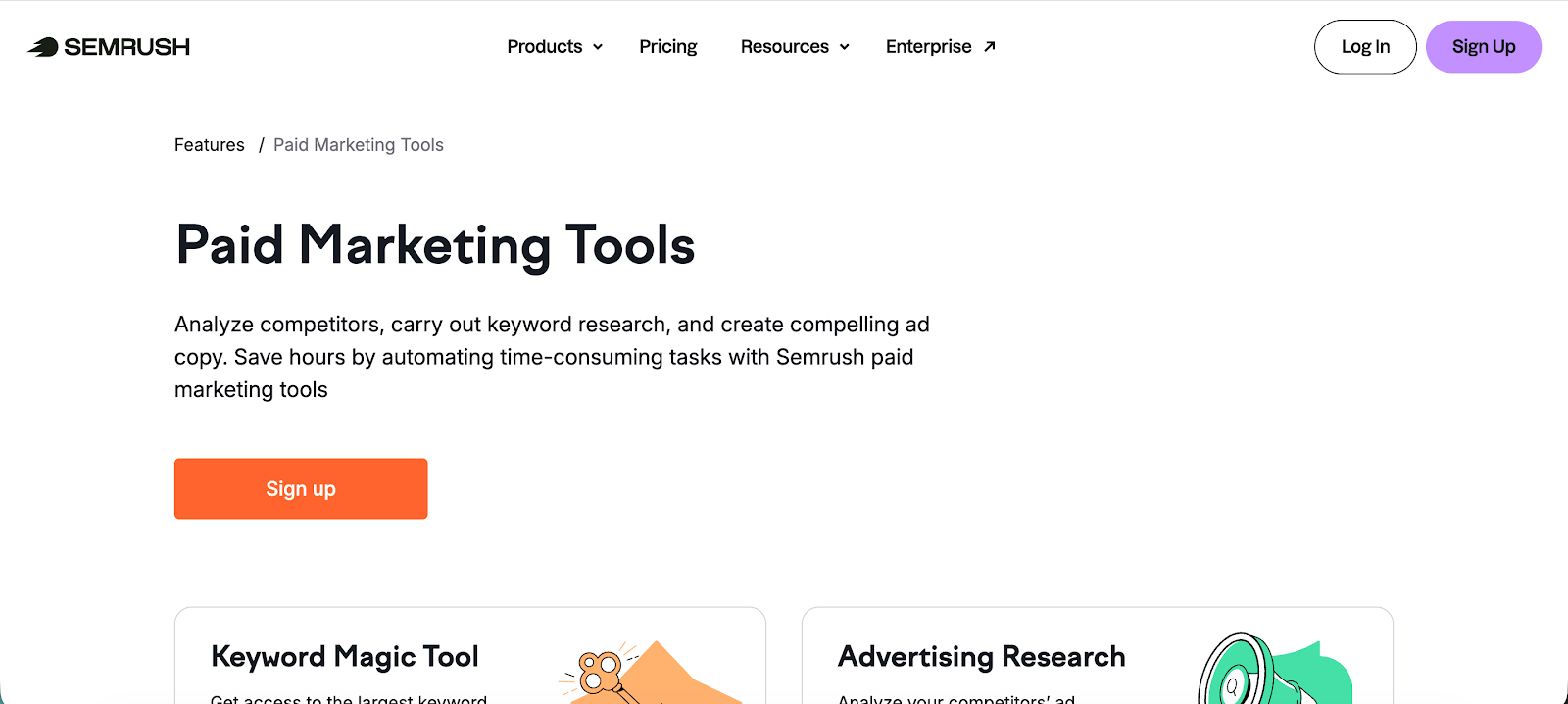
Semrush is an all in one marketing platform with a strong PPC toolkit focused on keyword research, competitor analysis, and campaign planning. It’s widely used by in house teams and agencies that want a single place to research, launch, and refine paid search campaigns alongside SEO efforts.
Key features
- Keyword magic tool: Large keyword database with filters for intent, CPC, competition, and SERP features
- Advertising research: Shows competitor keywords, ad copy, and historical trends so you can see what others are testing
- PPC keyword gap analysis: Identifies keywords your competitors are bidding on that you’re missing
- Ad builder and templates: Helps you create and test ad copy based on proven formats
- Position tracking for paid and organic: Tracks rankings and visibility across both channels in one place
Users often highlight competitor research as the biggest strength. You can quickly break down what other advertisers are doing, which keywords they focus on, and how their messaging evolves over time. At the same time, some users mention that data can be directional rather than exact, especially for smaller markets, so it works best when paired with real campaign data.
If you're using Semrush, integrating a digital marketing guest post strategy can further enhance results by strengthening domain authority and expanding reach across search and AI-driven platforms.
6. Optmyzr
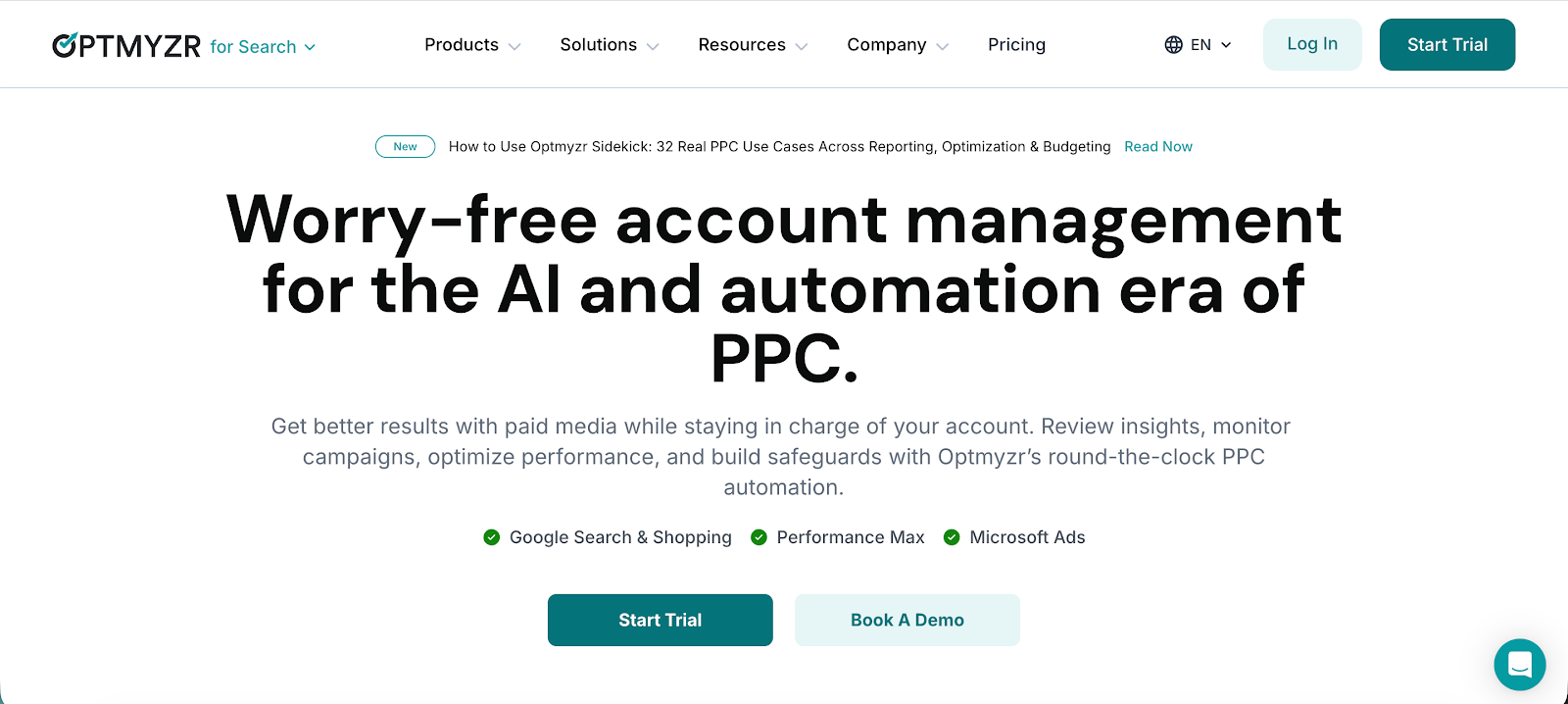
Optmyzr is a PPC management platform built for marketers and agencies handling large or complex accounts. It focuses on automation, workflow control, and deep optimization, making it a strong choice for teams managing serious ad spend across multiple campaigns.
Key features
- Advanced automation rules: Create custom rules to adjust bids, pause ads, and optimize campaigns based on performance data
- Campaign optimization tools: Built in tools to identify wasted spend, improve targeting, and support more successful PPC campaigns
- Ad creation and testing: Streamlined workflows for ad creation, including bulk edits and testing variations at scale
- Unified campaign management: Manage and optimize online advertising efforts across Google Ads, Microsoft Ads, and more from one place
- Custom reporting dashboards: Flexible reporting focused on performance metrics like ROAS, conversions, and ad spend
Users often point to the automation depth as the biggest advantage. Instead of relying on basic scripts or manual checks, Optmyzr gives you structured workflows that save hours on repetitive tasks while still keeping you in control. That said, some reviews mention a learning curve at the start, especially if you’re new to advanced PPC optimization, but most agree the payoff is worth it once everything is set up.
7. SpyFu
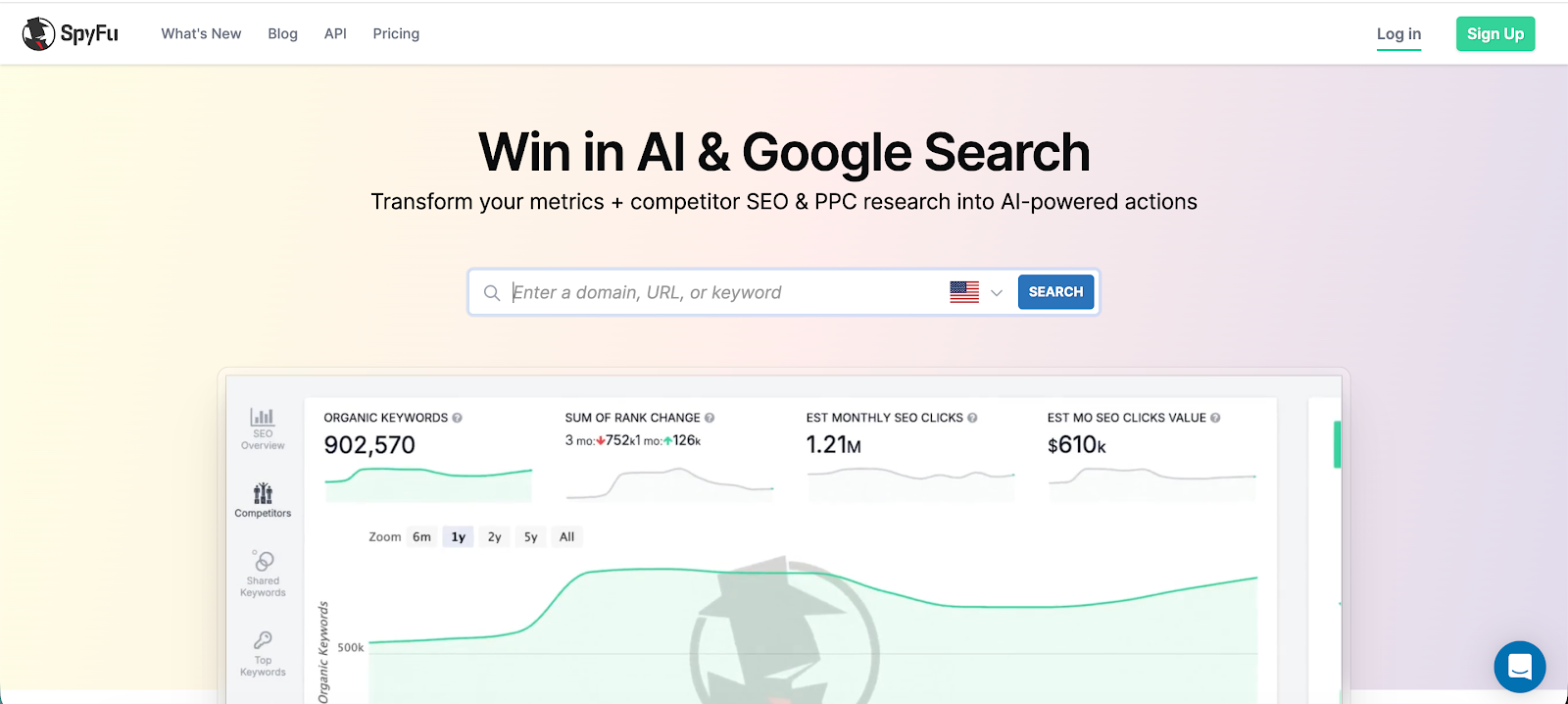
SpyFu is a PPC and SEO research tool focused heavily on competitor intelligence. It’s commonly used by marketers who want to reverse engineer what other advertisers are doing instead of starting campaigns from scratch.
Key features
- Competitor keyword tracking: See which keywords competitors bid on, including estimated clicks, CPC, and ranking history
- Ad history and copy analysis: Access past and current ad variations to understand what messaging competitors stick with
- Keyword grouping and suggestions: Discover related keywords and organize them into campaign ready groups
- Domain comparison: Compare multiple competitors side by side to spot gaps and overlaps in targeting
- PPC reports and exports: Generate reports you can use for campaign planning or client presentations
Users tend to value how easy it is to get quick competitive insights without digging through multiple tools. Being able to see years of ad history in one place is especially useful for identifying patterns, what competitors keep running usually works. On the flip side, some users note that the data is best used for direction rather than exact numbers, particularly in smaller markets.
8. AdEspresso
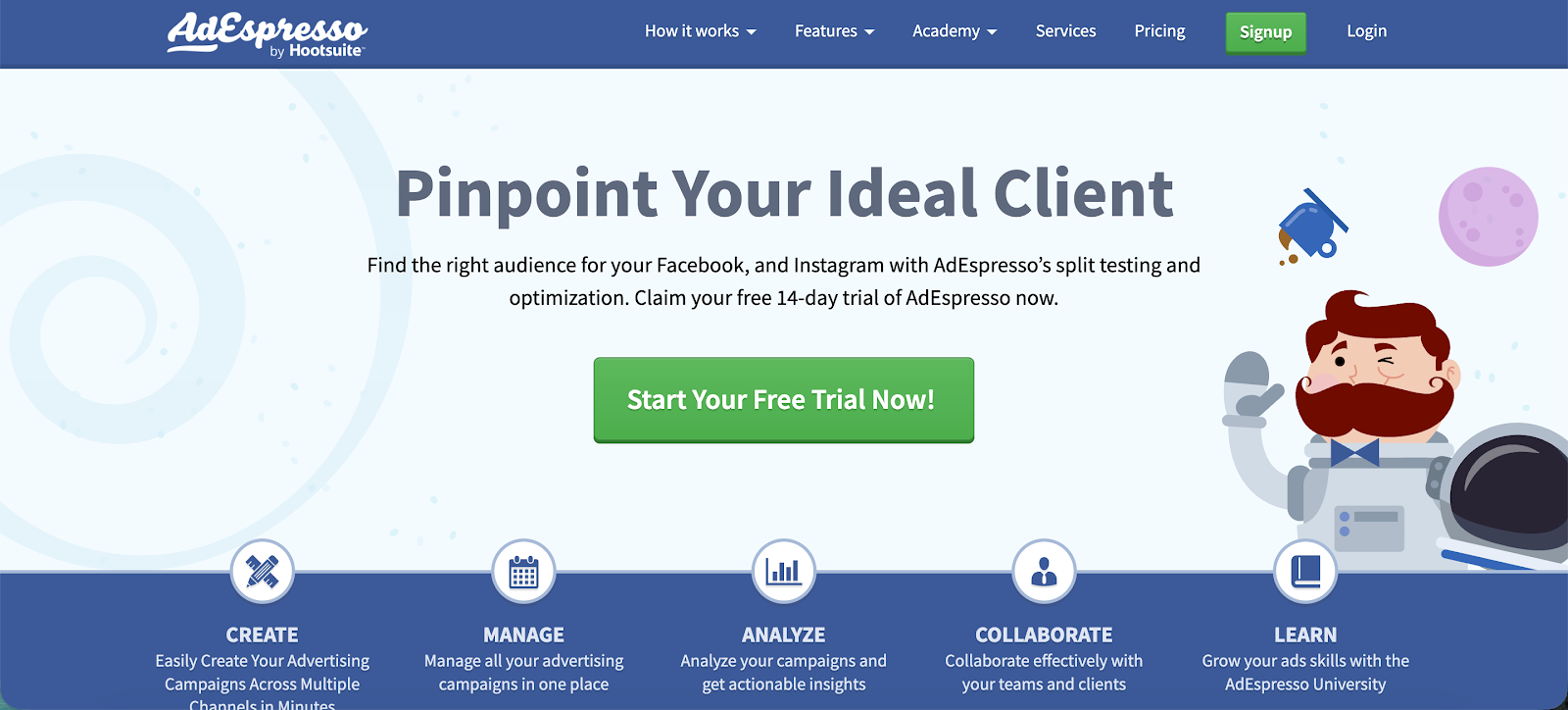
AdEspresso is a PPC management tool focused on paid social, especially Facebook, Instagram, and Google Ads. It’s popular with small teams and agencies that want a simpler way to create, test, and optimize campaigns without dealing with overly complex ad managers.
Key features
- Automated ad testing: Create multiple ad variations quickly and run structured tests to find top performers
- Bid management tools: Adjust bids based on performance data to keep campaigns competitive without overspending
- Budget management controls: Monitor and control spend across campaigns with clear visibility into performance
- Automated bidding strategies: Apply rules that shift budget or adjust bids based on predefined goals
- Performance analytics dashboard: Easy to read reports that highlight key metrics like CTR, conversions, and cost per result
Users often highlight how easy it is to test ads compared to native platforms. The ability to launch multiple variations and quickly identify winners is one of its biggest advantages, especially for teams running frequent campaigns. Some users mention limitations when managing very large or complex accounts, but for most use cases, the simplicity is exactly the point.
9. Google Ads Editor
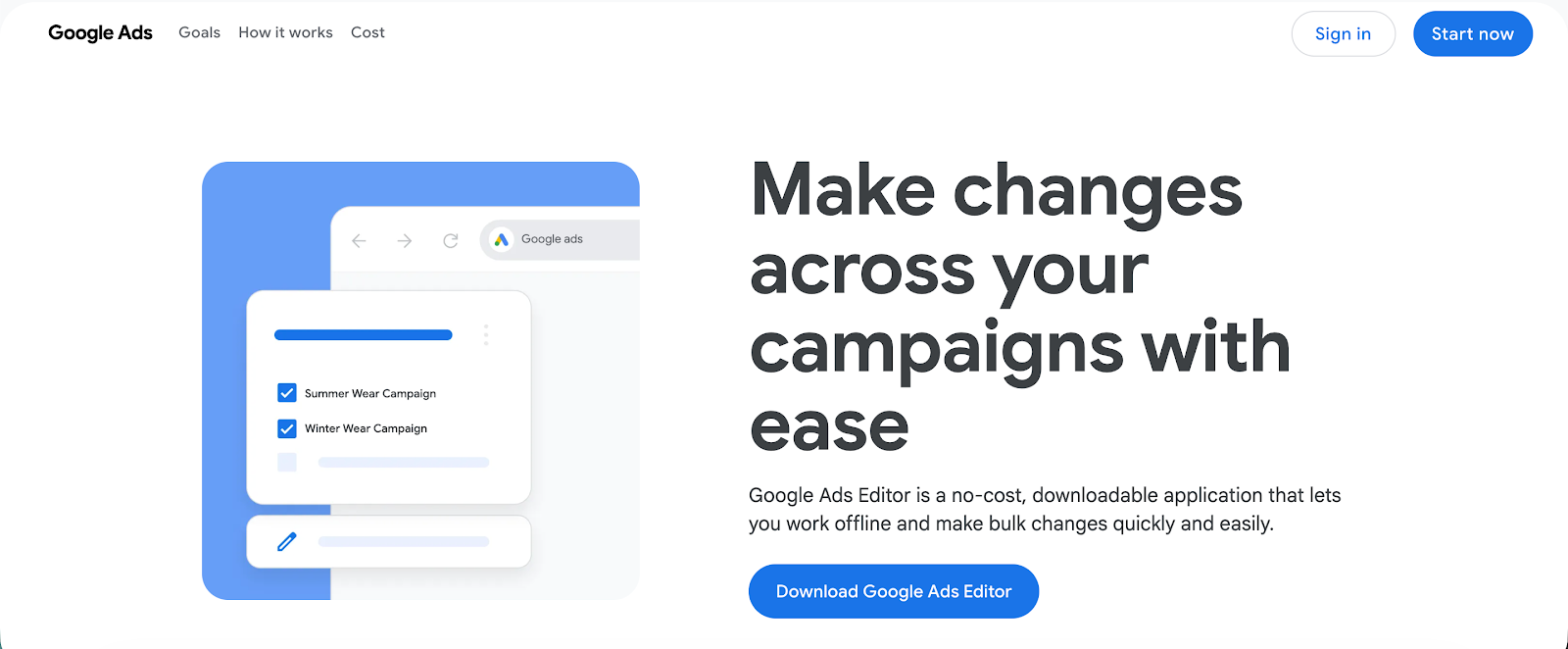
Google Ads Editor is a free desktop tool from Google Ads that lets you manage campaigns offline and make large scale changes quickly. It’s widely used by PPC specialists and agencies handling multiple accounts or high volume campaigns.
Key features
- Bulk editing at scale: Make changes across thousands of keywords, ads, or campaigns in just a few clicks
- Offline campaign management: Work without an internet connection and upload updates when you’re ready
- Copy and paste across accounts: Easily duplicate campaigns, ad groups, and structures between accounts
- Advanced search and filtering: Quickly find and update specific elements using detailed filters
- Error checking before publishing: Review changes and catch issues before pushing updates live
Users consistently point to speed as the biggest advantage. Tasks that would take hours in the web interface can be done in minutes, especially when working with large accounts. At the same time, it’s not built for reporting or analysis, so most teams pair it with other tools for performance tracking and insights.
10. Microsoft Advertising Editor
Microsoft Advertising Editor is a free desktop tool for managing Microsoft Advertising campaigns at scale. It’s commonly used by marketers who run paid ads on Bing and want faster control over multiple ad accounts without relying on the web interface.
Key features
- Bulk campaign editing: Update keywords, bids, and ads across large campaigns quickly, making it one of the essential PPC tools for high volume work
- Offline management: Build and edit campaigns without an internet connection, then upload changes when ready
- Import from Google Ads: Easily sync campaigns from Google Ads to support a broader PPC strategy across platforms
- Advanced search and filtering: Locate and edit specific elements across ad accounts with detailed filters
- Pre-publish error checks: Catch issues before pushing updates live to avoid costly mistakes in paid ads
Users often highlight how similar it feels to Google Ads Editor, which makes onboarding easy if you’re already familiar with that workflow. The ability to import campaigns directly from Google Ads is another big plus, especially for teams expanding into Bing ads without rebuilding everything from scratch. Some users note that it’s less useful for analysis and reporting, so it works best alongside other tools focused on performance insights.
11. Amazon Advertising Console

Amazon Advertising Console is the native platform for managing Amazon PPC ads across Sponsored Products, Sponsored Brands, and Sponsored Display. It’s built for sellers and brands that want to drive visibility and sales directly within Amazon’s marketplace.
Key features
- Campaign and keyword management: Create and manage Amazon PPC ads with control over targeting, bids, and placements
- Search term and performance reports: See which queries trigger your ads and how they convert, helping you refine targeting
- Ad copywriting tools for Sponsored Brands: Build headlines and creatives that improve click through rates and ad relevance
- Bid optimization controls: Adjust bids by placement, keyword, and performance to improve efficiency
- Audience and product targeting: Target specific products, categories, or shopper behaviors to improve ad quality
Users often point to direct access to buyer intent as the biggest advantage. Since ads appear where people are already searching to buy, strong targeting and good ad copywriting can quickly translate into sales. At the same time, many users mention that competition is intense, so maintaining ad relevance and ad quality is critical if you want to stay profitable.
Wrapping up
There’s no single “best” PPC tool for everyone, but there is a clear pattern. The tools that actually move the needle are the ones that help you make faster decisions, cut wasted spend, and understand what’s driving revenue, not just clicks.
Some tools in this list are great for research. Others help you manage campaigns at scale. A few simplify testing and optimization. But most of them still rely on the same weak point, incomplete or misleading attribution.
That’s where things usually break.
If you don’t trust your data, it doesn’t matter how good your keyword research is or how well your campaigns are structured. You’ll end up scaling the wrong things and cutting the ones that actually work.
This is exactly where wetracked.io stands out.
Instead of guessing which campaigns perform, you can see exactly where revenue comes from, across channels, touchpoints, and devices. That kind of clarity changes how you run PPC. You stop reacting to surface level metrics and start making decisions based on real outcomes.
Try wetracked.io for free for 14 days.