How much of your PPC data can you actually trust?
Most ad platforms give you numbers. Clicks, conversions, ROAS. On the surface, everything looks fine. Campaigns are running, reports are coming in, and dashboards are full.
But once you start digging, things don’t always line up.
Conversions don’t match revenue. Different platforms tell different stories. Performance looks great in one place and questionable in another. And suddenly, you’re not optimizing campaigns, you’re guessing.
That’s the problem most PPC reporting tools are trying to solve.
Some focus on building better dashboards. Others help you pull data from multiple platforms into one place. A few go deeper into automation or analysis.
In this guide, we’re looking at the best PPC reporting tools in 2026, both free and paid, and what they’re actually good at, so you can figure out which one fits your setup and where your data might still be falling short.
Want actionable PPC data? Try WeTracked.io for free today.
TL;DR
- WeTracked.io – Best for ecommerce brands running paid ads that need accurate attribution and reliable conversion data for optimization
- Looker Studio (formerly Google Data Studio) – Best for building fully customizable PPC dashboards if you’re comfortable working with raw data
- Whatagraph – Best for agencies that want fast, clean client reports across multiple marketing platforms
- Optmyzr – Best for hands-on PPC managers who want reporting and campaign optimization in one tool
- DashThis – Best for simple, polished client reporting with minimal setup and fast turnaround
- Swydo – Best for digital marketing agencies that need automated reporting across multiple clients and campaigns
- TapClicks – Best for larger agencies that need a centralized platform for managing marketing data across multiple channels
- NinjaCat – Best for agencies managing large volumes of PPC data across many accounts and clients
- Supermetrics – Best for teams that want to move PPC data into spreadsheets or BI tools for full control over reporting
- Databox – Best for teams that want real-time dashboards and goal tracking for ongoing performance monitoring
- Improvado – Best for enterprise teams that need to centralize and transform large volumes of marketing data
- AgencyAnalytics – Best for agencies managing multiple client accounts with built-in reporting and monitoring tools
- Triple Whale – Best for ecommerce brands that want to connect ad performance with revenue and customer data
- Windsor.ai – Best for teams that need flexible data pipelines and multi-touch attribution across many platforms
- PorterMetrics – Best for marketers who want no-code data syncing into Google Sheets or Looker Studio for custom reports
Features to look for in PPC reporting software
When you’re picking a PPC tool, the goal isn’t prettier dashboards. It’s clarity. You want to know what’s working, what’s wasting budget, and what to change right now.
First, look for accurate cross-channel attribution. Your tool should connect spend and conversions across platforms like Google Ads, Meta, and others in one place. If each channel tells a different story, you’re making decisions on partial data.
Next is real-time performance tracking. PPC moves fast. If a campaign starts burning budget or suddenly takes off, you need to see it immediately and react, not wait for delayed reports.
Granular campaign breakdowns are also key. You should be able to drill down into campaigns, ad sets, keywords, and creatives to see exactly where performance is coming from. High-level metrics alone won’t help you optimize.
You’ll also want customizable reporting and dashboards. Different stakeholders care about different things. Marketing teams might focus on ROAS and CPA, while founders care about revenue and profit. Your tool should let you build reports around those needs.
Another must-have is automated reporting. Scheduled reports to Slack or email save time and keep everyone aligned without constant manual work.
Don’t ignore conversion tracking and data accuracy. If your tracking is off, everything else is meaningless. Tools that improve data quality or fill in gaps caused by privacy changes give you a real edge.
Finally, look for integration with your full stack. That includes ad platforms, analytics tools, ecommerce platforms, and CRM systems. The more connected your data is, the easier it is to move from reporting to actual decisions.
Top tools for automated PPC reporting in 2026
WeTracked.io
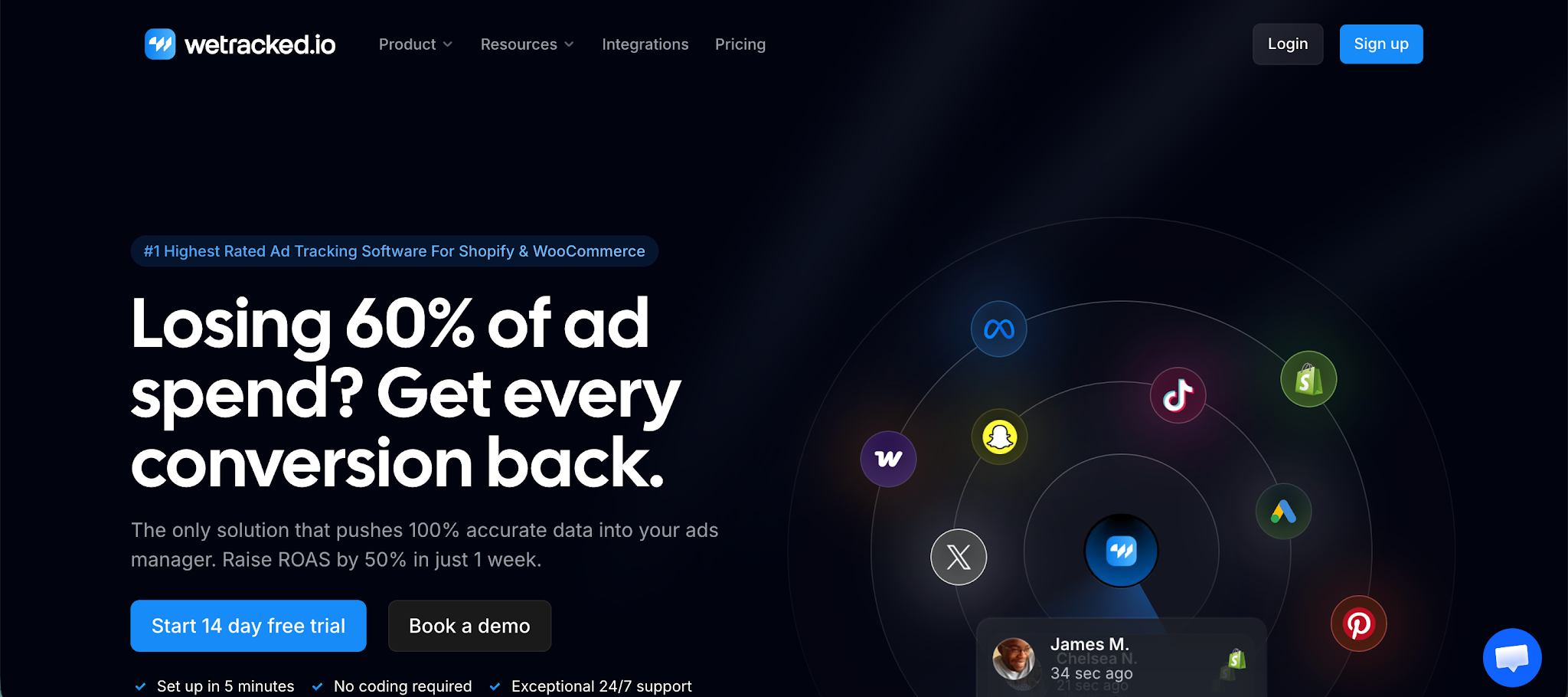
WeTracked.io is a PPC reporting and ad tracking tool built specifically for ecommerce brands that rely on paid acquisition. Instead of just showing you PPC data, it fixes the underlying problem most tools ignore, inaccurate tracking, so your ad platforms finally optimize based on real conversions, not missing or modeled data.
Top features:
- 100% accurate attribution: Tracks every sale back to the exact ad click and pushes that data directly into your ad platforms, no guesswork involved
- First-party tracking engine: Uses server-side tracking to bypass iOS restrictions and ad blockers, keeping your PPC data complete
- 360° data enrichment engine: Rebuilds missing data points and stitches sessions together for near-complete conversion visibility
- Real-time data forwarding: Sends conversion data instantly to platforms like Meta and Google Ads so algorithms can optimize faster
- Ad platform sync (no extra dashboards): Pushes clean data directly into ad managers, so you make decisions where campaigns actually run
- Automated event tracking: Captures visits, purchases, and revenue automatically without manual setup
- Adblock-proof tracking: Maintains tracking accuracy even when users block cookies or scripts
- Multi-channel integrations: Works with major platforms like Google Ads, Meta, TikTok, Pinterest, and more
- No code setup: Connect your store and ad accounts in minutes without developer support
- Single source of truth view: Combines all campaign performance into one clean view so you can quickly see what to scale and what to cut
WeTracked.io doesn’t try to compete as just another reporting dashboard. It solves the core issue behind most PPC problems: broken attribution. If your conversion data is wrong, every report, optimization, and decision built on top of it is flawed.
The only real downside is that it’s highly focused. It’s built for ecommerce brands running paid ads, so if you’re not spending on PPC or don’t rely on ad platforms for growth, you won’t get the same level of value. But if paid acquisition is a core channel, this is easily one of the most impactful upgrades you can make.
Try WeTracked.io today, completely free.
Data Studio (formerly Looker Studio)
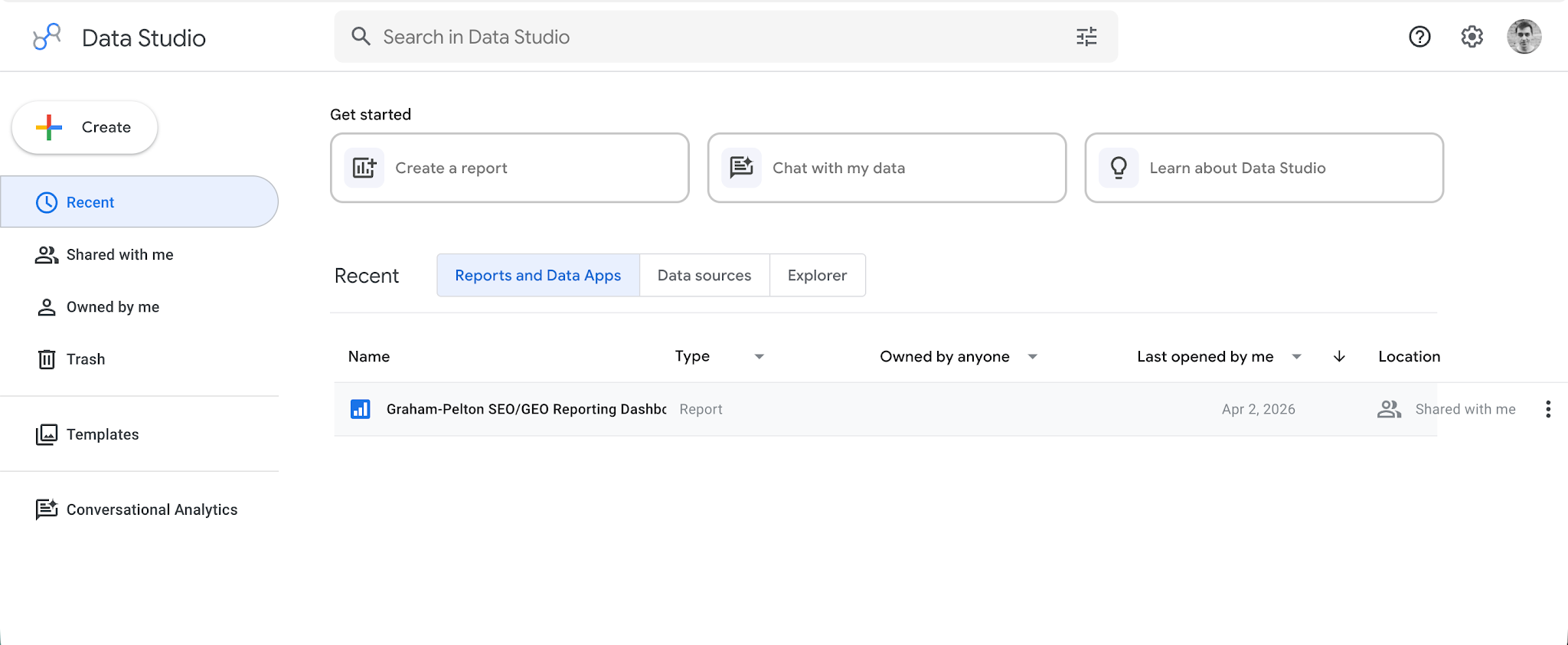
Looker Studio is a free PPC reporting and data visualization tool from Google that lets you turn raw PPC data into clean, shareable dashboards. It’s especially popular with marketers who want full control over how reports look and what they include, without paying for a dedicated reporting platform.
Top features:
- Custom dashboard builder: Create fully customizable PPC dashboards with charts, tables, and scorecards tailored to your key metrics
- Multi-source data integration: Connect data from Google Analytics, Google Ads, GA4, Meta, and hundreds of other sources into one report
- Data blending: Combine data from multiple platforms into a single view, making it easier to analyze performance across channels
- Real-time data updates: Reports refresh automatically, so you’re always working with up-to-date PPC data
- Interactive reports: Add filters, date controls, and drill downs so users can explore performance themselves
- Report sharing and collaboration: Share dashboards via links, embed them, or collaborate with team members in real time
- Templates for PPC reporting: Use prebuilt templates to quickly set up reports for campaigns, ad spend, and conversions
- White label customization: Customize colors, layouts, and branding for client reporting
Looker Studio is incredibly flexible, but that flexibility comes at a cost. It takes time to build and maintain reports, especially if you’re pulling data from multiple platforms. Many integrations require paid connectors, and performance can slow down with complex dashboards. It’s great if you like control, less so if you want something ready out of the box.
Whatagraph
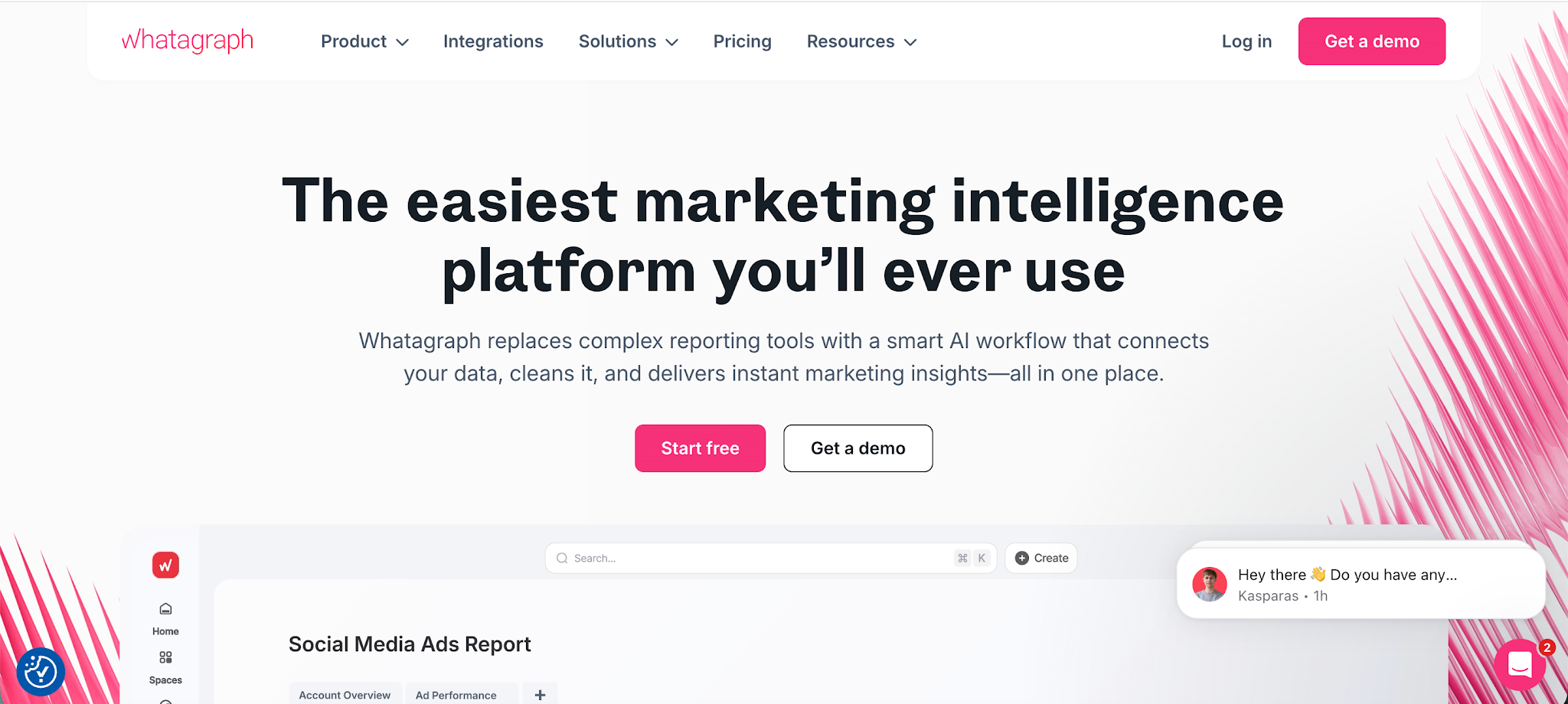
Whatagraph is a PPC reporting tool built for marketing teams and agencies that need to pull data from multiple marketing platforms and turn it into clean, client-ready reports fast. It’s especially useful if you’re managing several ad accounts and want a single place to track and present performance without digging through each platform manually.
Top features:
- Multi-channel data integration: Connects data from platforms like Google Ads, Meta, LinkedIn, and more into one unified dashboard
- Automated report generation: Builds and sends reports on a schedule, so you don’t have to manually compile PPC results every week
- Drag and drop dashboard builder: Create custom dashboards with widgets and templates, no technical setup required
- Data blending and custom metrics: Combine data from different sources and calculate metrics like ROAS or CPA in one view
- White label reporting: Add your branding and share polished reports with clients or stakeholders
- Real-time data syncing: Keeps reports updated frequently, so you can monitor campaign performance without delays
- AI-generated insights: Summarizes performance and highlights trends automatically, making reports easier to understand
- Scheduled delivery and sharing: Send reports via email or live dashboards with controlled access
Whatagraph is great for reporting and presentation, but it’s not built for deep analysis or optimization. Attribution is limited compared to more advanced tools, and some users report data mismatches or connector issues across platforms. Pricing can also get expensive as you add more data sources, since plans scale based on connected accounts rather than usage.
Optmyzr
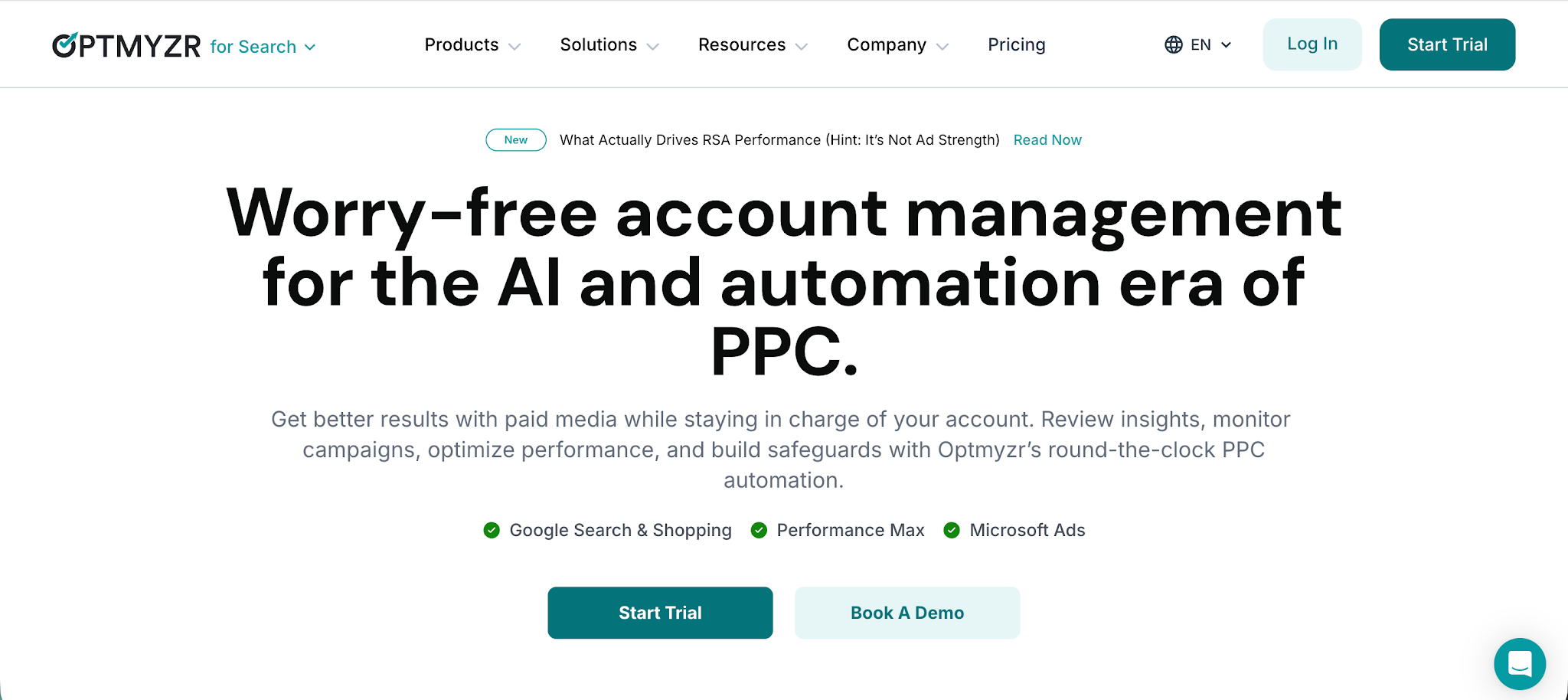
Optmyzr is a PPC focused tool built for marketers and agencies who manage PPC campaigns across multiple platforms and multiple clients. It combines PPC reporting with optimization features, which makes it useful if you want to both analyze performance and take action without switching tools.
Top features:
- Cross-platform PPC reporting: Pulls PPC data from Google Ads, Microsoft Ads, and other ad platforms into one dashboard for easier analysis
- Custom client reporting: Build tailored reports for different clients with the exact metrics and views they care about
- Campaign management tools: Lets you make bulk changes, adjust bids, and optimize PPC campaigns directly from the platform
- Performance alerts and insights: Flags issues like budget overspend or sudden drops in performance so you can react quickly
- Advanced filtering and segmentation: Break down PPC data by campaign, keyword, device, or audience to uncover trends
- Automation workflows: Set rules and automate repetitive tasks like bid adjustments or budget pacing
- Shopping campaign optimization: Specialized tools for managing and improving Google Shopping performance
- Report scheduling and sharing: Automates the delivery of reports to stakeholders or clients on a regular basis
Optmyzr is strong if you’re actively managing campaigns, but it can feel complex for teams that only need simple reporting. The interface takes time to get used to, and some features are geared more toward experienced PPC managers. Pricing can also add up, especially for agencies handling multiple clients with large ad spend.
DashThis
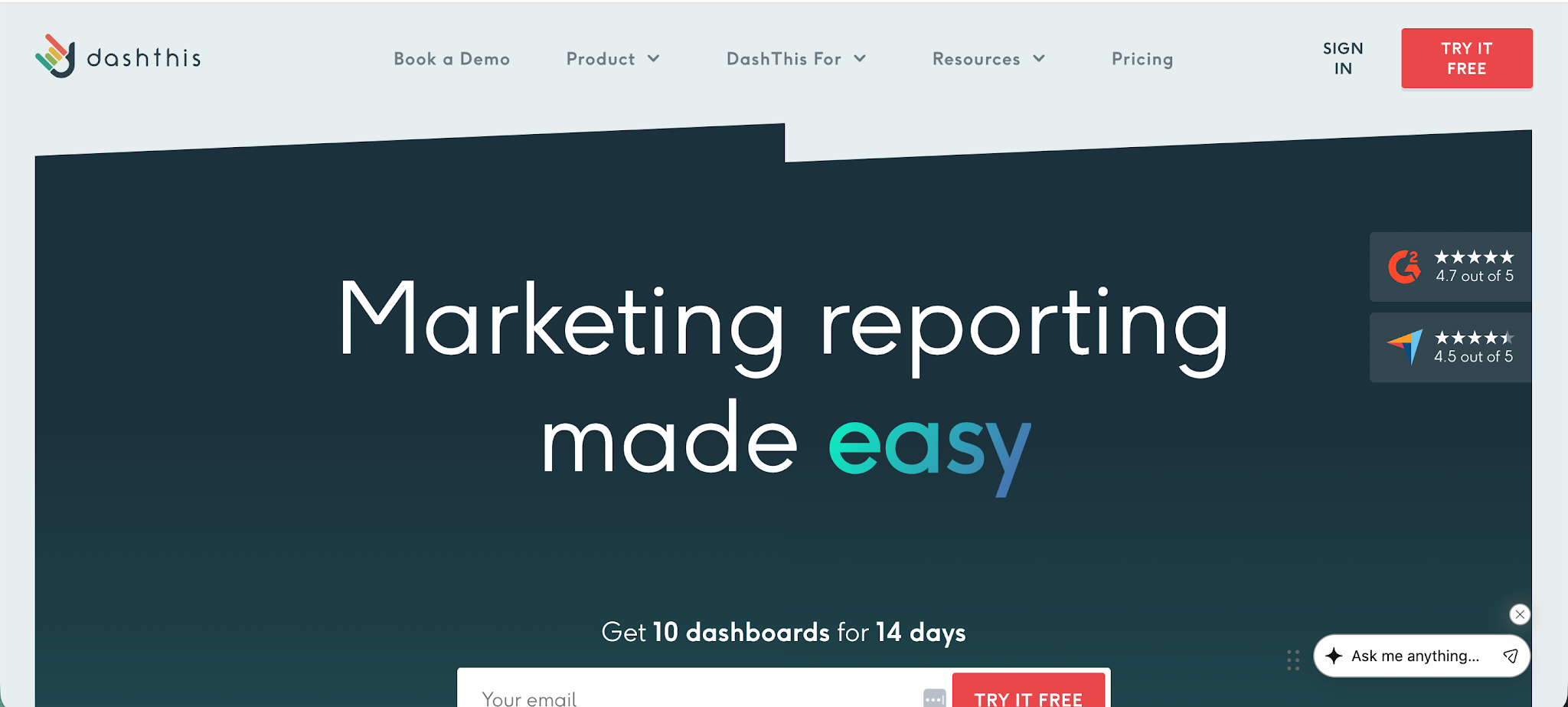
DashThis is a PPC reporting tool built for agencies and marketers who want to turn messy performance data into clean, client-ready dashboards without spending hours on spreadsheets. It’s especially useful if you need to manage multiple clients and simplify your reporting process while keeping all your key metrics in one place.
Top features:
- Multi-platform data integration: Pulls performance data from over 30 marketing platforms like Google Ads and Meta into one dashboard
- Automated reporting: Collects and updates data automatically, removing the need for manual reporting work
- Custom dashboards and widgets: Lets you build reports around your key metrics with drag and drop widgets and templates
- White label client reporting: Add your branding and share reports with clients via links, email, or PDF
- Centralized KPI tracking: Combines ad spend, conversions, and other performance data into one easy-to-read view
- Report scheduling and sharing: Automatically send reports to stakeholders, which makes it easier to manage multiple clients
- Templates and cloning: Reuse dashboards across accounts to speed up your reporting process
DashThis is great for quick, visual reporting, but it’s not built for deep analysis or optimization. It works best as a presentation layer rather than a decision-making engine. Some users also mention limits around dashboard complexity and pricing based on the number of reports, which can add up as you scale.
Swydo

Swydo is a PPC reporting tool built mainly for digital marketing agencies that need to handle reporting across multiple clients without turning it into a weekly headache. It focuses on simplifying data collection from different data sources and turning that data into clean, automated reports you can send out with minimal effort.
Top features:
- Multi-source integrations: Pulls data from major ad platforms, analytics tools, and other data sources into one place
- Automated data collection: Gathers and updates campaign data automatically, so you’re not manually exporting numbers every time
- Custom report builder: Create tailored PPC reports with drag and drop widgets based on the key metrics each client cares about
- Google Sheets integration: Import or export data to Google Sheets for additional flexibility and custom analysis
- Scheduled reporting: Automate report delivery via email, making it easier to stay on top of multiple clients
- KPI tracking dashboards: Monitor performance across campaigns with a clear view of spend, conversions, and ROI
- White label reporting: Add your own branding to reports for a more professional client experience
- Goal tracking and benchmarking: Set targets and measure how campaigns perform against them over time
Swydo is great for agencies that want to streamline reporting, but it’s not built for deep analysis or campaign optimization. It works best as a reporting layer rather than a tool for making advanced decisions. Some users also find the interface a bit dated, and while it handles reporting well, more complex data setups can feel limiting compared to more flexible tools.
TapClicks
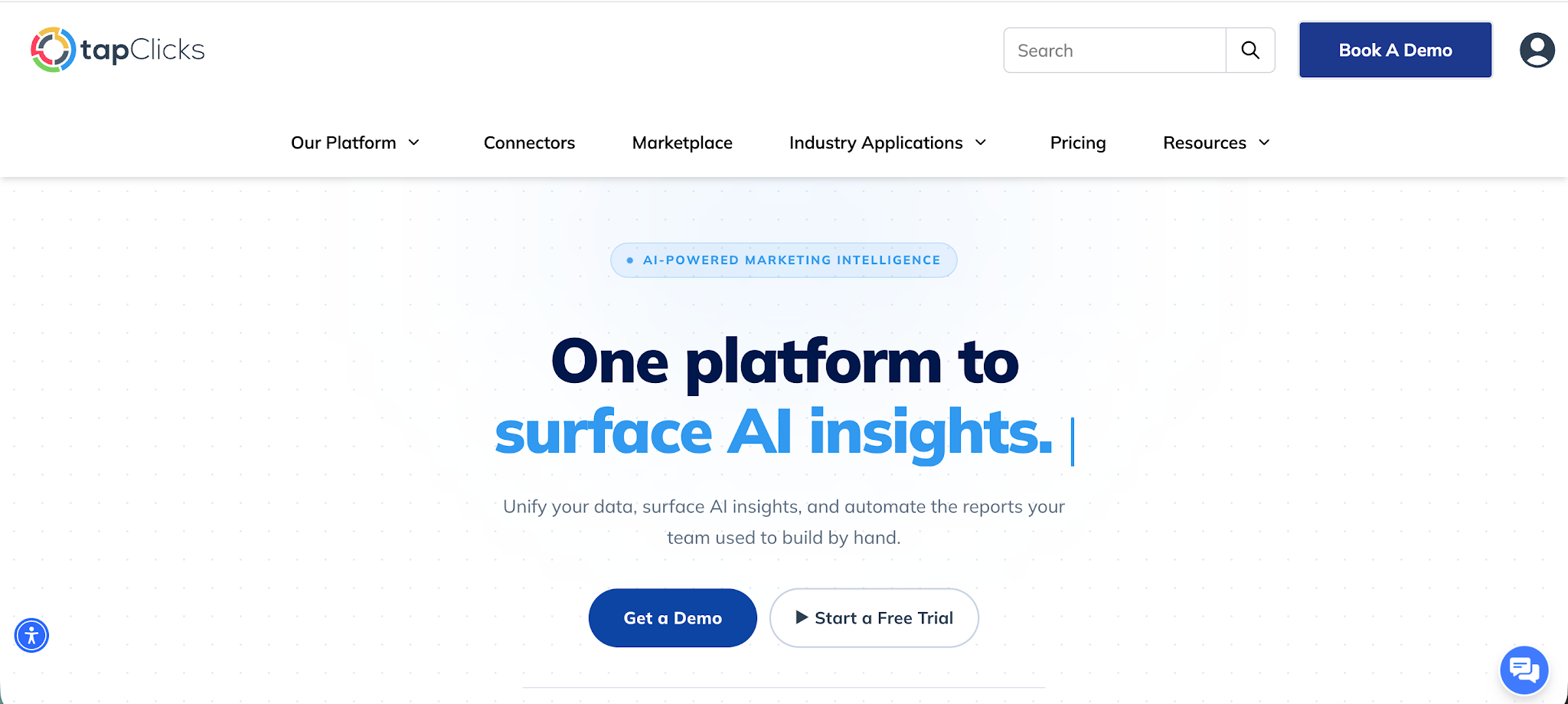
TapClicks is a full-scale PPC reporting and marketing analytics platform built for agencies and larger teams that need to manage marketing data across multiple channels, multiple accounts, and even multiple clients. It goes beyond simple dashboards by acting as a central hub for collecting, transforming, and analyzing data from different marketing and sales platforms.
Top features:
- Unified marketing data platform: Pulls marketing data from hundreds of marketing and sales platforms into one centralized system
- Cross-channel reporting: Combines data from multiple channels like search, social, and display, into a single dashboard for clearer performance insights
- Automated Google Ads reports and more: Builds and delivers reports automatically, including Google Ads reports with key metrics like CPA, ROAS, and conversions
- Custom dashboards and visualizations: Create flexible dashboards with drag and drop tools tailored to your campaigns and stakeholders
- Built-in data warehouse: Stores and organizes large volumes of marketing data so you can run long-term analysis without losing historical data
- Advanced data transformation: Standardizes and cleans data across sources so reporting stays consistent and reliable
- AI-driven insights: Surfaces trends, anomalies, and performance shifts automatically to help you act faster
- Scalability for multiple accounts: Designed to handle large volumes of campaigns and multiple accounts without breaking your reporting workflow
TapClicks is powerful, but it’s not lightweight. Setup can take time, especially if you want to take full advantage of its data warehouse and transformation features. It’s also priced more like an enterprise tool, which can be a stretch for smaller teams. If you just need simple PPC reporting, it may feel like overkill, but for agencies managing complex setups, it can replace several tools at once.
NinjaCat
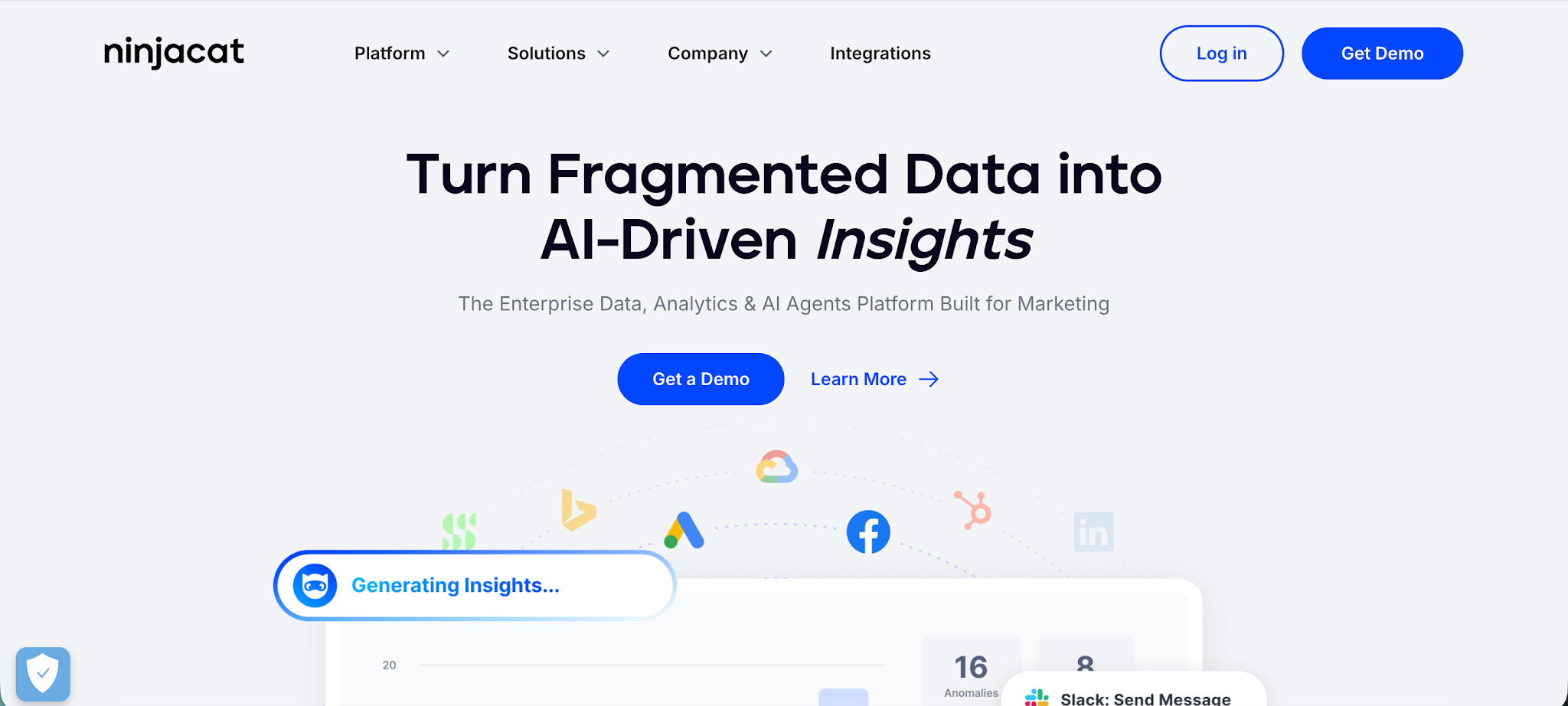
NinjaCat is a PPC reporting and data management platform built mainly for agencies that need to handle large volumes of PPC data across multiple clients and campaigns. It focuses on bringing together data from different data sources into one system, so you can track PPC performance and deliver polished reports without jumping between platforms.
Top features:
- Multi-source data integration: Pulls PPC data from platforms like Google Ads, Bing Ads, LinkedIn ads, and more into one centralized dashboard
- Custom PPC dashboards: Build tailored dashboards to track PPC performance across campaigns, channels, and accounts
- Cross-channel reporting: Combine data from different data sources into a single view to understand performance across platforms
- Automated scheduling: Schedule reports to be sent automatically to clients or stakeholders, reducing manual work
- White label client reporting: Create branded, client-ready reports for agencies managing multiple accounts
- Call tracking and performance monitoring: Track calls, conversions, and campaign performance in one place
- Data aggregation and transformation: Clean and organize PPC data from multiple platforms so reporting stays consistent
- Campaign monitoring tools: Keep an eye on budget pacing, performance changes, and overall PPC campaign health
NinjaCat is a strong option for agencies with complex setups, but it can feel heavy if you just need simple reporting. Setup takes time, especially when connecting multiple data sources, and pricing tends to be on the higher side. It’s best suited for teams managing large-scale PPC operations rather than smaller advertisers looking for something lightweight.
Supermetrics
Supermetrics is a data pipeline and PPC reporting tool that focuses on one thing really well, getting your data out of ad platforms and into the tools you already use. Instead of being a standalone dashboard, it connects your PPC data sources to places like Google Sheets, Excel, or Looker Studio, which makes it a favorite for teams that want full control over their reporting setup.
Top features:
- Wide range of data connectors: Pulls data from 80+ marketing and PPC data sources like Google Ads, Facebook Ads, and more into one place
- Flexible data destinations: Sends data directly into tools like Google Sheets, Excel, Looker Studio, BigQuery, and Snowflake for custom reporting
- Automated data collection: Eliminates manual exports by syncing PPC data on a schedule, so your reports stay up to date
- Cross-channel data blending: Combines data from multiple platforms into a single view, helping you analyze performance across campaigns and channels
- Template-based reporting: Provides ready-made templates for PPC reports, dashboards, and campaign analysis to speed up setup
- Ad spend and performance tracking: Tracks key metrics like ad spend, conversions, and ROAS across channels in one dataset
- No code setup: Lets marketers pull and transform data without needing engineering support
- Scalable data infrastructure: Handles large volumes of marketing data and keeps historical performance available for analysis
Supermetrics is incredibly flexible, but that flexibility comes with tradeoffs. It’s not a plug-and-play dashboard; you’ll still need to build your reports in another tool. Pricing can also get complicated as you add more data sources, destinations, or accounts, which can catch teams off guard as they scale.
Databox
Databox is a PPC reporting software that focuses on turning messy digital marketing data into clean, easy-to-read dashboards your team can actually use. It’s popular with both in-house teams and agencies because it creates a centralized reporting environment where account managers can track performance across campaigns, channels, and clients without jumping between tools.
Top features:
- All-in-one reporting environment: Pulls digital marketing data from multiple platforms into a single dashboard so you can see performance in one place
- Wide range of integrations: Connects with social media platforms, Google Ads, CRMs, and analytics tools using 100+ native integrations
- Custom dashboard builder: Create visual reports with drag and drop widgets tailored to your key metrics and campaign goals
- Real-time performance tracking: Monitor PPC performance, ad spend, and conversions as they update, helping you react faster
- Automated reporting and scheduling: Put reporting on autopilot with scheduled reports, alerts, and snapshots sent to your team or clients
- Goal tracking and alerts: Set targets for campaigns and get notified when performance changes or goals are hit or missed
- Mobile dashboards: Access reports on the go and keep track of performance without being tied to your desktop
- Data blending and calculations: Combine data across sources and build custom metrics like ROAS or CPA without extra tools
Databox is great for visibility and reporting, but it’s still mostly a presentation layer. It doesn’t go very deep into attribution or advanced analysis, and more complex setups can require extra work to maintain. For teams that want quick insights and clean dashboards, it’s a strong choice, but if you need heavy-duty data modeling or optimization features, you’ll likely pair it with other tools.
Improvado
Improvado is a marketing analytics and PPC reporting platform built for teams that deal with large volumes of data across many channels. It focuses on pulling digital marketing data from different sources, cleaning it up, and making it usable for reporting and analysis, especially for agencies and larger in-house teams.
Top features:
- Extensive data integrations: Connects with hundreds of marketing platforms, including Google Ads, Meta, LinkedIn, and more, bringing all your PPC data into one place
- Automated data pipeline: Handles data extraction, transformation, and loading automatically, so you don’t have to manage manual exports
- Data normalization and cleaning: Standardizes data from different sources, making it easier to compare performance across campaigns and channels
- Custom dashboards and reporting: Build tailored reports using your preferred BI tools or Improvado’s own dashboards
- Scalable data storage: Works with data warehouses like BigQuery and Snowflake, which is useful for teams handling large datasets
- Cross-channel performance analysis: Combines PPC data across platforms to give a clearer view of overall campaign performance
- Scheduled reporting and delivery: Automates report generation and sharing with stakeholders or clients
- API access and customization: Gives more technical teams the flexibility to build custom workflows and integrations
Improvado is powerful, but it’s not built for simplicity. Setup can take time, especially if you’re connecting many data sources or working with a data warehouse. It’s also priced more for larger teams, so smaller businesses may find it harder to justify. If you just need straightforward PPC reporting, it can feel heavier than necessary.
AgencyAnalytics
AgencyAnalytics is a PPC reporting software built for agencies and enterprise marketing teams that need to manage multiple client accounts and deliver clean, professional campaign reports at scale. It focuses on automating reporting and bringing all your ad campaigns into one place, so you can track performance without juggling multiple tools.
Agencies with a growing client roster also need to keep an eye on internal capacity, so resource planning software can help them see availability and allocate work before new campaigns are assigned.
Top features:
- All-in-one PPC reporting software: Combines data from ad campaigns across platforms like Google Ads, Bing, and social into a single dashboard
- Multi-account management: Easily track and manage multiple client accounts from one interface without switching between platforms
- Custom campaign reports: Build tailored campaign reports with the exact key metrics your clients care about
- Automated reporting and scheduling: Automates the reporting process and sends reports on a schedule, saving hours of manual work
- White label dashboards: Fully brand reports and dashboards so they look like your own internal tool
- 80+ data integrations: Pulls data from multiple marketing channels into one centralized reporting view
- Real-time performance tracking: Monitor ad campaigns, spend, and conversions as data updates across platforms
- Client access portals: Give clients their own login to view performance dashboards anytime
AgencyAnalytics is a strong choice for agencies, but it leans heavily toward reporting rather than deep analysis. Customization is solid, though not as flexible as fully custom BI setups, and advanced attribution or data modeling is limited. For smaller teams or those with simpler needs, it can feel like more than you actually need.
Triple Whale
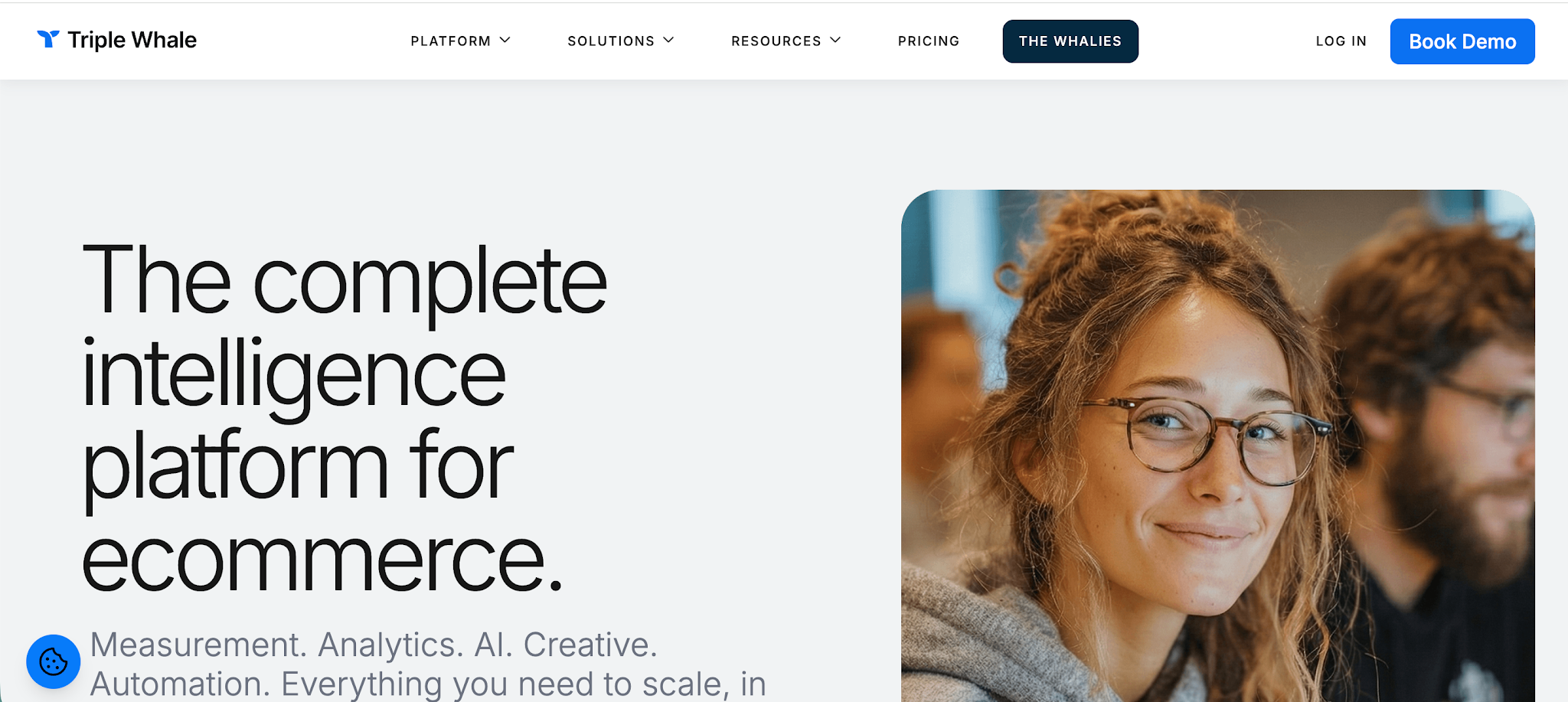
Triple Whale is a PPC reporting and ecommerce analytics tool built for brands that want a clear view of performance across ad campaigns, revenue, and customer data in one place. It’s especially useful if you’re running paid acquisition across multiple channels and need to understand what’s actually driving profit, not just clicks or conversions.
Top features:
- Unified cross-channel dashboard: Combines PPC data, revenue, and customer metrics into a single view, so you can track performance without switching between platforms
- First-party tracking pixel: Improves attribution accuracy by capturing customer interactions that ad platforms often miss
- Real-time performance tracking: Monitors key metrics like ROAS, ad spend, and revenue as they happen
- Multi-channel attribution: Tracks how different touchpoints contribute to conversions across PPC campaigns and channels
- Creative performance insights: Analyzes which ads, visuals, and messaging are driving results across campaigns
- Customer and cohort analysis: Tracks metrics like customer lifetime value and repeat purchase behavior over time
- AI-driven insights and recommendations: Uses built-in AI to highlight trends, detect issues, and suggest optimizations
- Centralized data platform: Aggregates data from multiple platforms into one source of truth for faster decision making
Triple Whale is powerful, but it’s not the most flexible tool out there. It works best for ecommerce brands, especially those on Shopify, so if you’re outside that ecosystem, it may not fit. Pricing can also scale with your revenue, and while it does a great job connecting PPC performance with business outcomes, it’s less focused on pure reporting workflows compared to tools built specifically for client reporting.
Windsor.ai
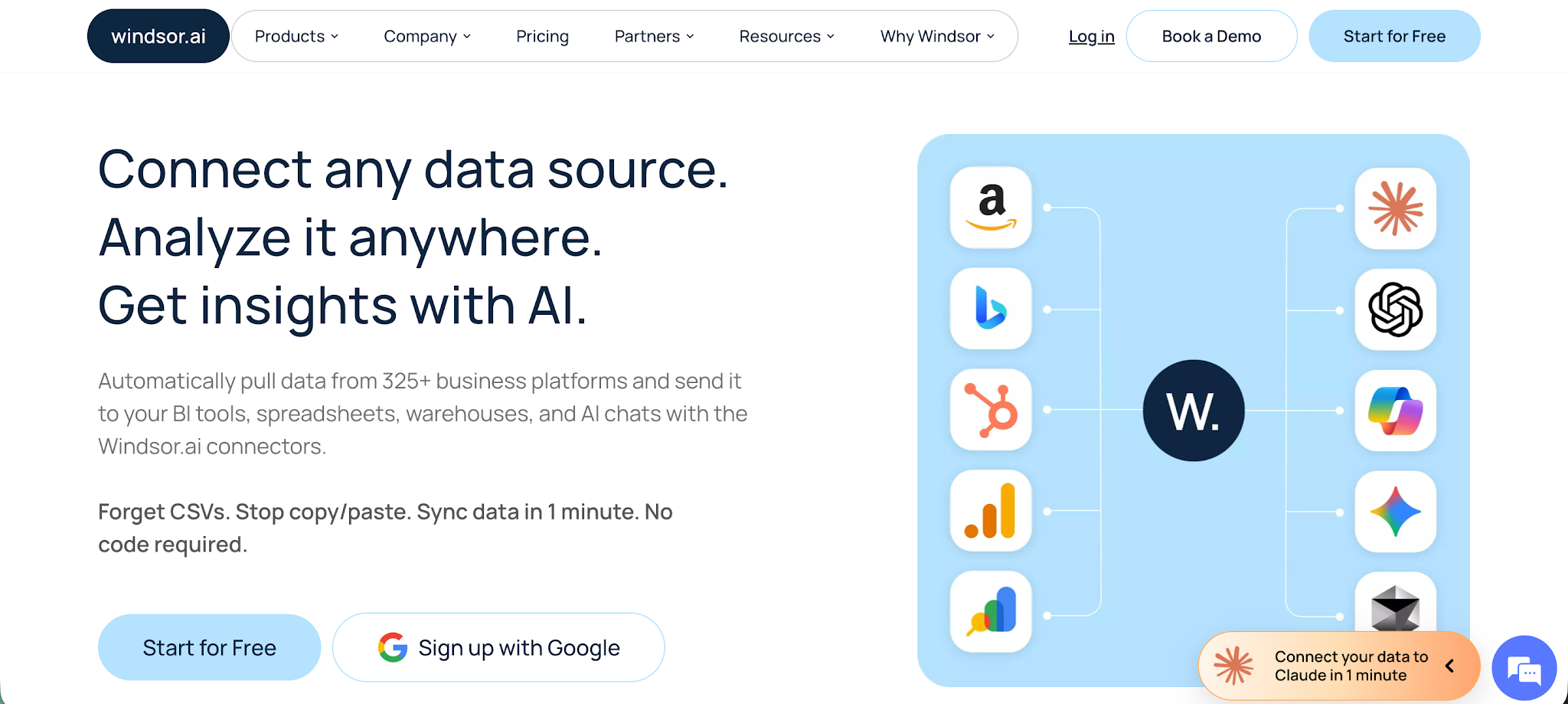
Windsor.ai is a PPC reporting and data integration platform built for marketers and agencies that need to centralize data from multiple platforms and actually make it usable. Instead of acting as just a dashboard tool, it focuses on collecting, cleaning, and sending data wherever you need it, whether that’s a BI tool, spreadsheet, or reporting platform.
Top features:
- 325+ data source integrations: Connects PPC data from platforms like Google Ads, Meta, and more into one unified system
- No code data pipelines: Build full ETL and ELT workflows without engineering help, making it easy to centralize reporting data
- Cross-platform data blending: Combines PPC data across multiple platforms into a single source of truth for better analysis
- Flexible data destinations: Send data to tools like Looker Studio, Google Sheets, BigQuery, or Power BI, depending on your reporting setup
- Automated data collection and syncing: Eliminates manual exports with scheduled refreshes and near real-time updates
- Multi-touch attribution modeling: Understand how different touchpoints contribute to conversions across PPC campaigns
- AI-ready data layer: Connect your datasets to AI tools for faster analysis and insights without extra setup
- Scalable for agencies: Manage large volumes of accounts and campaigns across multiple clients from one workspace
Windsor.ai is extremely flexible, but it’s not a plug-and-play reporting tool. You’ll still need something like Looker Studio or a BI tool to visualize the data, which adds an extra step. Pricing is also tied to data usage, so costs can grow as your data volume increases. For teams that want full control over their data stack, it’s a strong option, but for simple reporting needs, it may feel more technical than necessary.
PorterMetrics
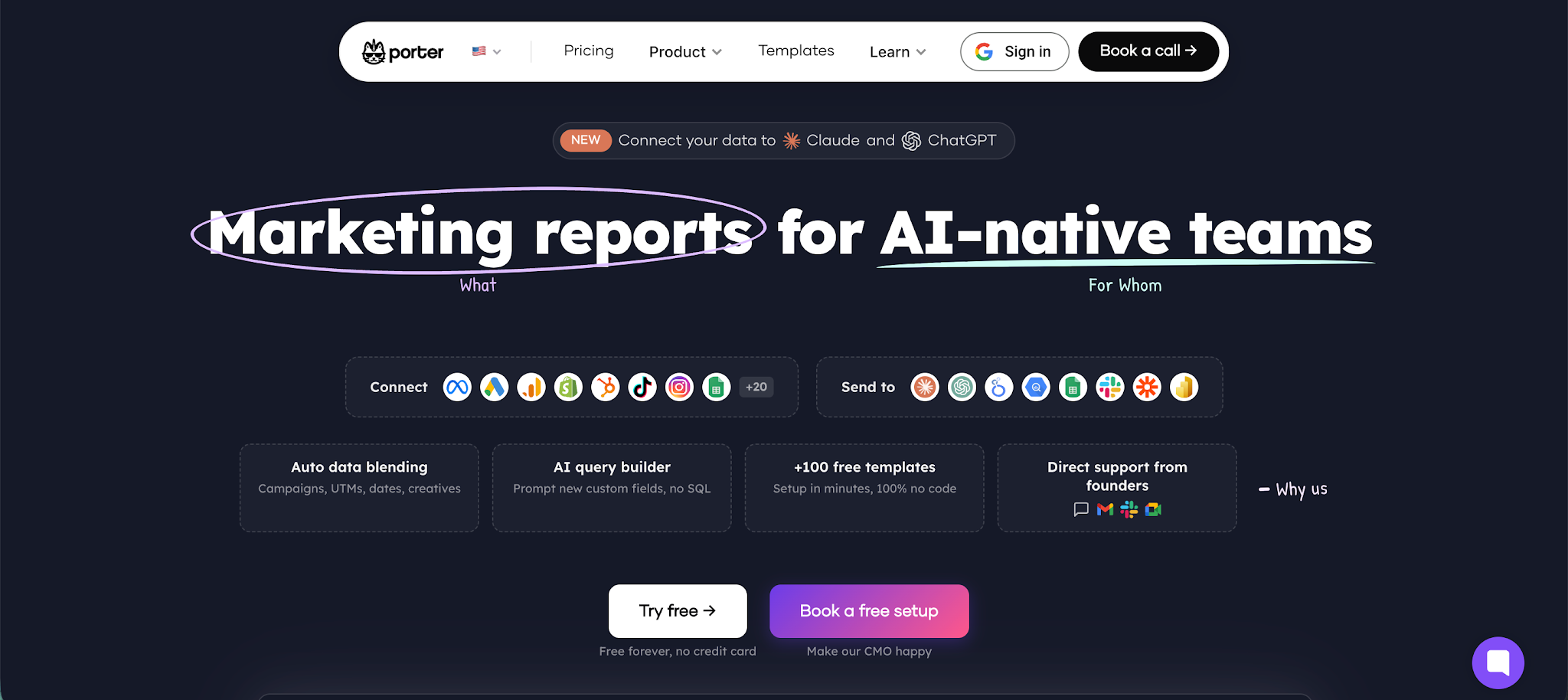
PorterMetrics is a no-code PPC reporting and data integration tool built for marketers and agencies who want to pull data from different platforms into tools like Google Sheets or Looker Studio. It’s especially useful if you prefer building your own reports but don’t want to deal with manual data collection or complex pipelines.
Top features:
- No code data integration: Connects PPC and marketing data from multiple platforms without needing technical setup
- Automated data collection: Syncs data from different sources automatically, removing the need for manual exports
- Cross-channel data blending: Combines data from multiple campaigns and platforms into one unified dataset for analysis
- Google Sheets and Looker Studio integration: Sends data directly into familiar tools so you can build custom dashboards your way
- Prebuilt report templates: Offers 100+ templates to speed up report creation and avoid starting from scratch
- Custom metrics and KPIs: Create your own calculated fields like CPA, ROAS, or cost per lead based on your reporting needs
- Automated reporting schedules: Set reports to refresh and update on a schedule so your data stays current
- Data warehouse option: Includes a no-code BigQuery setup for storing and analyzing larger datasets
PorterMetrics is great if you want flexibility and control, but it’s not a standalone reporting dashboard. You’ll still need to build and maintain your reports in external tools, which can take time. It also has fewer integrations compared to larger platforms, and pricing can increase quickly if you connect many accounts or use data blending heavily.
Get the reporting tool your business deserves
Most PPC reporting tools do a solid job of showing you performance. Dashboards look great, reports are easy to share, and you can track all your key metrics in one place. But none of that matters if the data underneath is off.
That’s the gap most teams miss.
If your conversion tracking is incomplete, delayed, or modeled, your campaigns are optimizing on the wrong signals. You end up scaling what looks good on paper, while actual profit tells a different story.
So before you pick a tool, ask yourself one simple question.
Can I trust my data enough to confidently scale spend?
If the answer is no, you don’t have a reporting problem. You have a tracking problem.
That’s exactly where WeTracked.io can help. Instead of just visualizing PPC data, it fixes attribution at the source and sends accurate conversion data back into your ad platforms. That means better optimization, faster learning, and fewer wasted dollars.
Here’s the practical move:
- Audit your current tracking setup
- Compare platform-reported conversions vs actual revenue
- Identify gaps caused by iOS, ad blockers, or missing events
- Then test a solution that fixes it, not just reports on it
Start a free trial of WeTracked.io and see how your campaigns perform when your data is actually accurate.